Try our free online PNG image generators. You can create custom PNG images of arbitrary size, generate PNGs containing random pixels or random color blocks, create solid color, transparent, translucent, or gradient background images, and much more!
Our custom size PNG maker lets you instantly generate PNG images of any size. For example, you can create a super huge PNG of size 2000×2000 pixels or a tiny 10×10 PNG.
Our custom color PNG maker lets you instantly generate PNG images of any color. For example, you can create a PNG that is entirely red or entirely white. You can specify the color using its name, hex code, or RGB code.
Our random color PNG maker lets you instantly generate PNG images having random pixels or random blocks of colors. For example, you can create a random PNG that contains just black and white pixels or make all pixels have variations of a particular color tone.
Our linear gradient PNG maker lets you instantly generate PNG images having a linear color gradient. You can use two or more colors for the gradient, set the rotation angle of the gradient, and customize the output PNG's size.
Our radial gradient PNG maker lets you instantly generate PNG images having a radial color gradient. Radial gradient starts from the center of the PNG and changes outwards to the edges of the image.
Our transparent PNG generator lets you instantly create PNG images that are entirely transparent. For example, you can generate a transparent PNG that has a width and height of 600 by 600 pixels.
Our translucent PNG generator lets you instantly create PNG images that are semi-transparent (translucent). You can set the alpha factor for the generated image from 0 (completely transparent) to 1 (fully opaque) and download the translucent PNG with a single click.
Our 1x1 pixel PNG generator lets you instantly create PNG images that are used as tracking pixels or spacer elements in web development. You can create opaque, translucent, or transparent 1x1 pixel images.
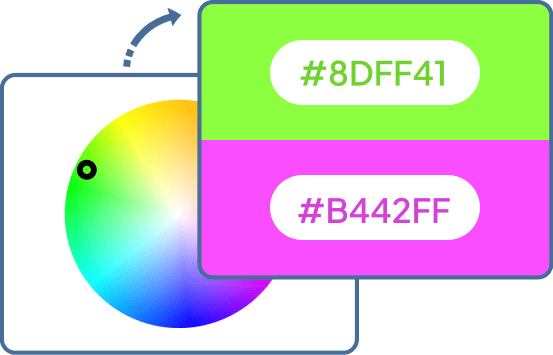
Quickly select colors from a color wheel and generate harmonious color palettes. Adjust lightness and opacity, and get color codes in your preferred format.
Quickly find the complementary color for any base color. Adjust lightness and opacity, and view both colors with their codes in a palette.
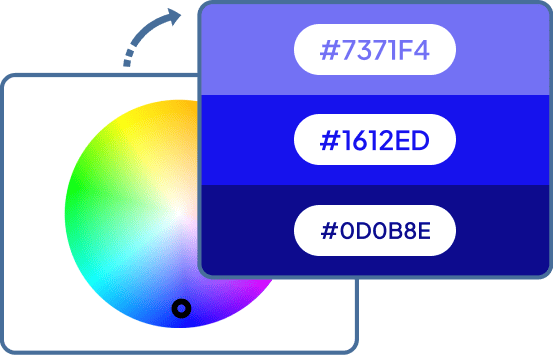
Quickly create a monochromatic color palette using different shades of the same color. Choose the number of shades and adjust their lightness, opacity, and color format.
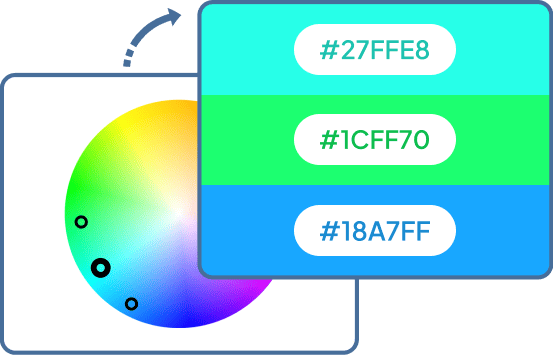
Quickly create a palette of neighboring colors from the color wheel. Choose the number of colors and adjust their hue distance, lightness, and opacity.
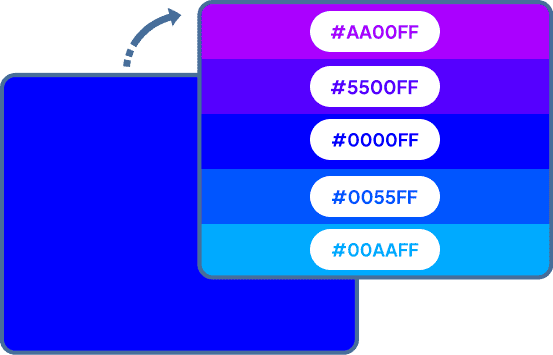
Quickly generate a palette of similar shades from a single base color. Vary hue, saturation, lightness, or transparency and customize the palette layout and color format.
Quickly turn custom text into a downloadable PNG image. Customize the text style, colors, alignment, size, padding, and shadow.
Quickly shuffle pixels or pixel blocks in a PNG to create glitch and abstract effects. Control the block size, randomization, and shuffle amount.
Quickly create a PNG grid with custom rows, columns, cell sizes, colors, and spacing. Customize the grid lines, including their thickness, color, and style.
A simple generated PNG can be useful in many everyday design and development tasks. You might create a background for a website, a placeholder while building a page, a color sample for a design, or a small graphic for testing. The right generator can create exactly the image you need without unnecessary editing.
Yes. Generating an image from specific dimensions, colors, or pixel values is useful when you need something precise rather than a ready-made picture. This is especially handy for web development, UI design, testing, and simple graphics.
If a website, layout, or design requires an image with specific dimensions, creating one from scratch is often easier than resizing an existing image. Use the Custom Size PNG Maker to set any width and height and create a PNG at exactly that size. It can be useful for placeholders, test images, backgrounds, and other graphics.
If you need a simple background, color swatch, or solid graphic, there's no reason to create it manually in an image editor. Use the Custom Color PNG Maker to fill a PNG with the color you want. You can specify the color by name, hexadecimal code, or RGB value and choose the image dimensions.
If you're creating a test image, experimenting with color combinations, or looking for an abstract background, random colors can give you useful variations quickly. The Random Color PNG Maker generates PNGs with random colors or color blocks. You can control the colors, block size, and variations of a particular color tone.
Use the Linear Gradient PNG Maker to create a smooth transition between two or more colors. You can set the colors, rotation angle, and dimensions of the PNG.
If you want a color to spread outward from a particular point—for example, for a background or visual effect—a radial gradient can work better than a linear one. The Radial Gradient PNG Maker lets you choose the colors, set the radius, and position the gradient center wherever you need it.
A transparent canvas can be useful when you're preparing an overlay, building a graphic in another application, or simply need an empty PNG with specific dimensions. The Transparent PNG Generator creates a PNG containing fully transparent pixels. You can choose the dimensions to match your project.
If you need a translucent layer or graphic rather than a completely opaque image, you can generate one with a controlled alpha value. The Translucent PNG Generator lets you choose the transparency level from completely transparent to fully opaque.
If you're choosing colors for a website, illustration, logo, or UI and already have one color you want to keep, a color wheel can help you find combinations that work with it. The Color Wheel Generator lets you select a color and create harmonious palettes while adjusting lightness and opacity.
The Complementary Color Palette Generator finds the complementary color and lets you adjust its lightness and opacity. If you have a main color but need another color that contrasts with it, the complementary color on the color wheel is a useful starting point.
When you're building a design around one main color, you may need lighter and darker variations for backgrounds, borders, text, or accents. The Monochromatic Color Palette Generator creates multiple shades from a single base color. You can choose the number of shades and adjust their lightness and opacity.
The Analogous Color Palette Generator creates a palette from neighboring colors on the color wheel and lets you control the number of colors and their hue distance, lightness, and opacity.
The Similar Color Shade Generator creates variations based on your chosen color. You can adjust hue, saturation, lightness, and transparency to control how closely the new shades resemble the original.
The PNG Pixel Randomizer lets you randomize individual pixels or blocks of pixels and control the block size and amount of shuffling.
Browserling and our online tools are used by millions of users every month, and our customers include governments, states, cities, banks, stock exchanges, universities, newspapers, Forbes 100, Forbes 500 companies, and private multi-billion dollar companies.

If you like our tools, please consider getting a premium plan.
Subscribe to our updates. We'll let you know when we release new tools and features, and when we organize online workshops.
Enter your email here
We're Browserling — a friendly and fun cross-browser testing company powered by alien technology. At Browserling we love to make people's lives easier, so we created this collection of online PNG tools. We created the simplest possible user interface for our tools and they are now used by millions of users every month. Behind the scenes, our online PNG tools are actually powered by our web developer tools that we created over the last couple of years. Check them out!