



Our Network


Coming Soon


Coming Later

Online Digital Stamp Maker

Try our free online digital stamp maker and creator tools. They let you create digital PNG versions of rubber stamps and seals that you can use in PDF and Word documents, change the color of digital stamps and seals, remove the background from stamps and seals, design custom stamps and seals, and more!


How to use Stamp Tools?
Step 1

Click on a tool below & upload your stamp

Step 2

Adjust stamp settings

Step 3

Download a revised stamp


Popular Stamp Tools

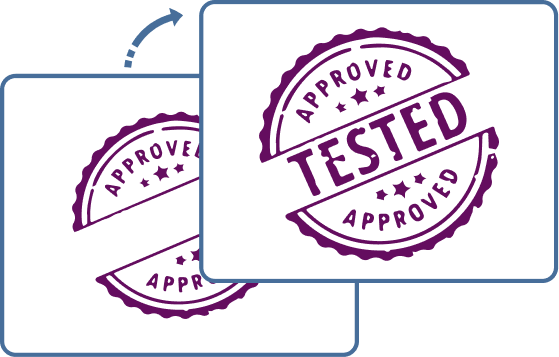
Transparent Stamp

Remove colored PNG backgrounds from stamps and seals. Turn non-transparent stamp images into clean PNG files with fully removed backgrounds and preserved stamp content.

Custom Stamp

Generate unique PNG stamps and seals. Configure shape, size, colors, and text to produce fully customized digital stamp images in PNG format.

Remove Stamp Background

Make transparent PNG stamps and seals. Select and remove background areas from stamp images to produce clean PNG graphics with preserved stamp content.

Extract Stamp from Image

Cut out PNG stamps and seals from a digital image. Select and isolate stamp regions from photos or scans to generate separate PNG stamp files.

Date & Time Stamp

Design personalized PNG date & time stamps and seals. Enter date and time values and adjust visual style options to generate fully formatted timestamp stamp graphics in PNG format.

Rubber Stamp to Digital Stamp

Make digital and electronic PNG stamps and seals from photos or scans. Transform physical rubber stamp impressions into clean reusable digital graphics for online use.

Black & White Stamp

Transform color PNG stamps and seals to monochrome. Adjust color mapping so stamp artwork is reduced to a clean two-tone output while keeping edges and internal details intact.

Change Stamp Color

Recolor PNG stamps and seals. Replace selected colors within stamp images and remap them to new tones while preserving the original structure and details.


All Stamp Tools

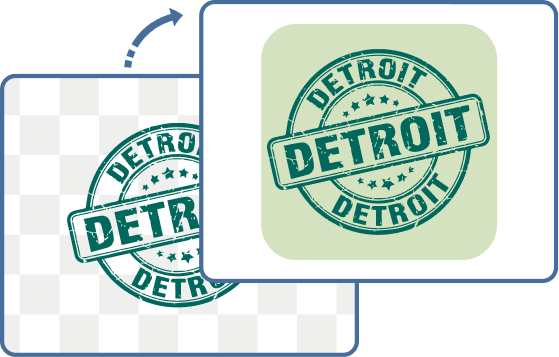
Add Stamp Background

Add color to transparent PNG stamp and seal backgrounds. Fill transparent areas with a chosen solid color while keeping the stamp content unchanged and fully visible.

Add Stamp Padding

Add space around PNG stamps and seals. Expand the canvas by adding adjustable margins around the stamp content without altering the original image.
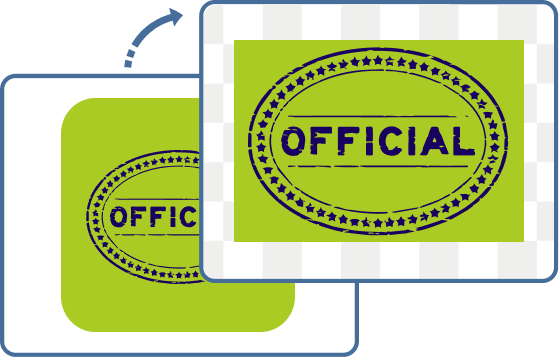
Crop Stamp

Clip an oval or rectangle frame from PNG stamps and seals. Define a cropping region in rectangular or elliptical shape to extract only the selected part of the stamp image.
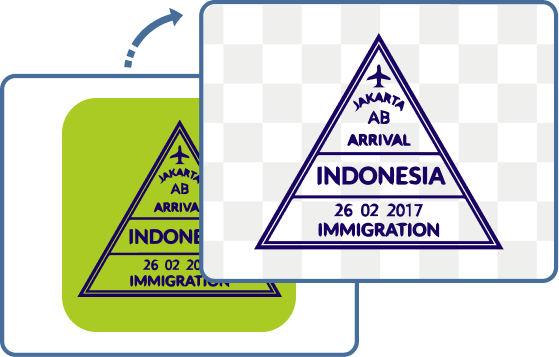
Extract Stamp from Image

Cut out PNG stamps and seals from a digital image. Select and isolate stamp regions from photos or scans to generate separate PNG stamp files.
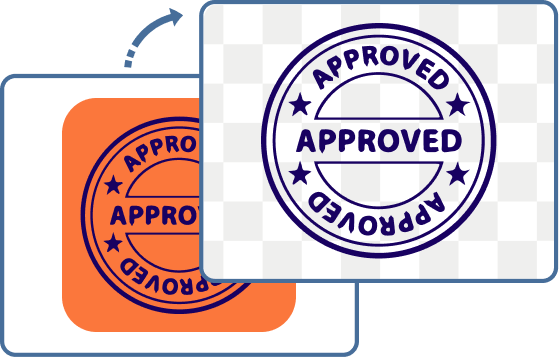
Remove Stamp Background

Make transparent PNG stamps and seals. Select and remove background areas from stamp images to produce clean PNG graphics with preserved stamp content.
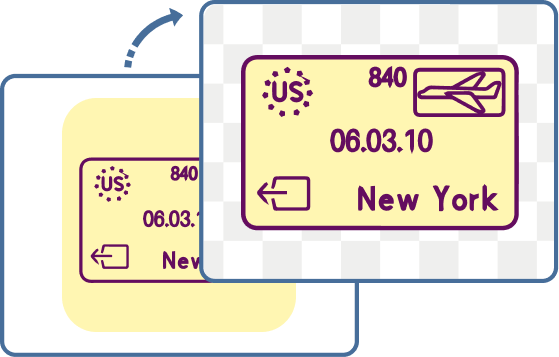
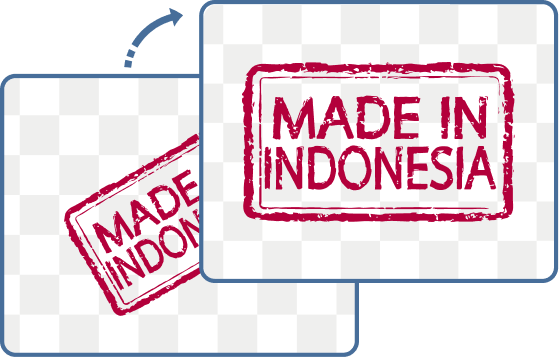
Remove Stamp Border

Crop borders from PNG stamps and seals. Remove outer edge lines and decorative frames while preserving the central stamp content and its internal details.
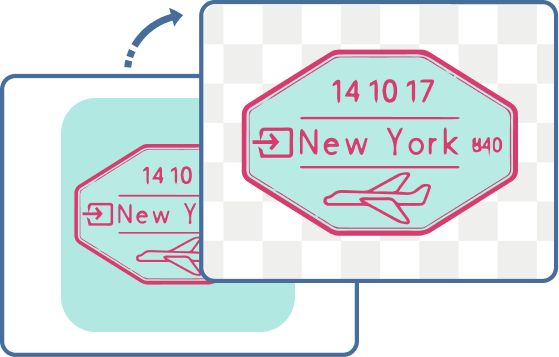
Remove Stamp Padding

Crop extra space from PNG stamps and seals. Trim unnecessary margins to tightly fit the stamp content for a cleaner, more compact result.
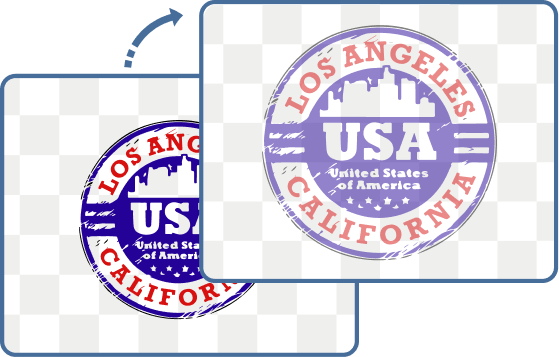
Translucent Stamp

Transform PNG stamps and seals into translucent watermarks. Control opacity levels to convert solid stamp images into semi-transparent overlays with preserved shape and readability.
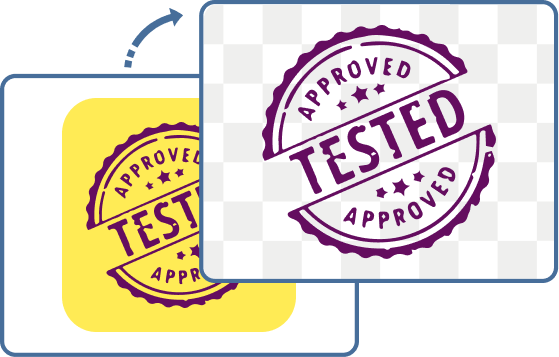
Transparent Stamp

Remove colored PNG backgrounds from stamps and seals. Turn non-transparent stamp images into clean PNG files with fully removed backgrounds and preserved stamp content.

Black & White Stamp

Transform color PNG stamps and seals to monochrome. Adjust color mapping so stamp artwork is reduced to a clean two-tone output while keeping edges and internal details intact.
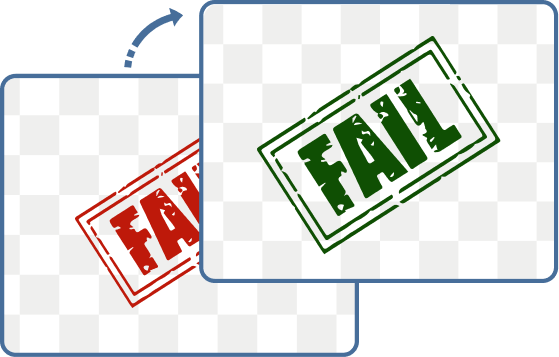
Change Stamp Color

Recolor PNG stamps and seals. Replace selected colors within stamp images and remap them to new tones while preserving the original structure and details.
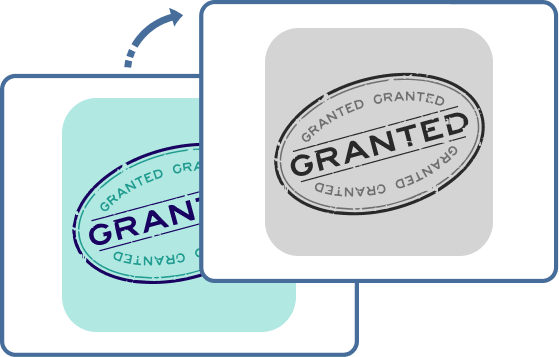
Grayscale Stamp

Make grayscale PNG stamps and seals. Convert stamp images into neutral tonal values using selectable grayscale modes while preserving contrast and structural detail.

Green Stamp

Design green approval/success PNG stamps and seals. Configure text, shape, and layout parameters to produce stamp graphics with predefined green styling for status-like imprints.
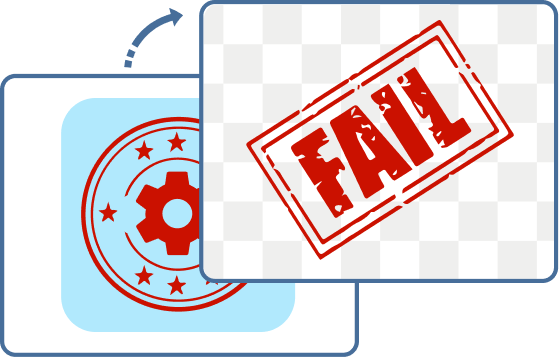
Red Stamp

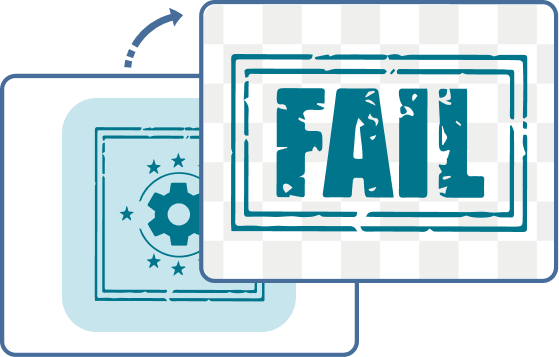
Design red rejection/failure PNG stamps and seals. Set message, shape, size, and styling options to generate stamp graphics with a consistent red visual theme for status marking.
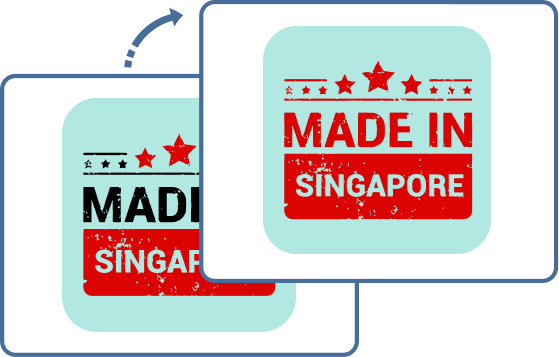
Single Color Stamp

Convert multicolor PNG stamps and seals into one color. Map all visual elements of a stamp image to a single selected color while preserving its shape and structure.
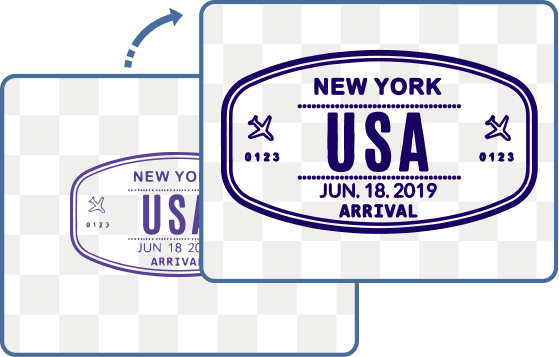
Stamp Quality

Enhance or refine low-quality PNG stamps and seals. Adjust clarity-related parameters such as edge strength, stroke consistency, and color definition to produce cleaner stamp graphics.

Custom Stamp

Generate unique PNG stamps and seals. Configure shape, size, colors, and text to produce fully customized digital stamp images in PNG format.

Crop Stamp

Clip an oval or rectangle frame from PNG stamps and seals. Define a cropping region in rectangular or elliptical shape to extract only the selected part of the stamp image.

Green Stamp

Design green approval/success PNG stamps and seals. Configure text, shape, and layout parameters to produce stamp graphics with predefined green styling for status-like imprints.

Monogram Stamp

Make custom PNG stamps and seals from your initials. Generate stylized monogram-based stamp graphics with configurable typography, layout, and decorative framing options.

Numbering Stamp

Make PNG number stamps and seals for IDs, serial numbers and more. Generate structured numeric stamp graphics with customizable formatting, layout, and visual styling options.

Rectangle Stamp

Design rectangular or square PNG stamps and seals. Configure border style, proportions, and text layout to generate clean geometric stamp graphics in rectangular or square formats.

Red Stamp

Design red rejection/failure PNG stamps and seals. Set message, shape, size, and styling options to generate stamp graphics with a consistent red visual theme for status marking.

Round Stamp

Create circle or oval PNG stamps and seals. Define circular geometry and text placement options to generate evenly shaped round stamp graphics with customizable styling.

Rubber Stamp to Digital Stamp

Make digital PNG stamps and seals from photos or scans. Transform physical rubber stamp impressions into clean reusable digital graphics for online use.

Stamp from Text

Convert plain text into PNG stamps and seals. Turn entered text into structured stamp graphics with selectable styles, colors, and layout formatting options.

Add Text to a Stamp

Quickly add a message or label to a PNG stamp or seal. Insert custom text into existing stamp templates with adjustable font, color, size, and positioning options.

Create an Emoji Stamp

Create a fun, personalized stamp or seal from any emoji. Customize emoji appearance, border style, size, and layout to generate expressive PNG stamp graphics with unique visual designs.

Crop Stamp

Clip an oval or rectangle frame from PNG stamps and seals. Define a cropping region in rectangular or elliptical shape to extract only the selected part of the stamp image.

Rectangle Stamp

Design rectangular or square PNG stamps and seals. Configure border style, proportions, and text layout to generate clean geometric stamp graphics in rectangular or square formats.

Resize Stamp

Adjust PNG stamp and seal dimensions. Change width and height parameters to scale stamp graphics while preserving proportions and visual clarity.

Rotate Stamp

Spin PNG stamps and seals to any angle. Apply rotation transformations to stamp images using adjustable angular values while keeping the original content intact.

Round Stamp

Create circle or oval PNG stamps and seals. Define circular geometry and text placement options to generate evenly shaped round stamp graphics with customizable styling.

Convert Image to Stamp

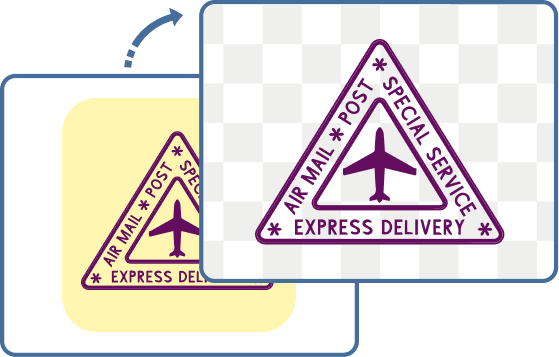
Convert any image into a digital PNG stamp or seal. Adjust stamp styling, borders, wear effects, colors, and transparency settings to create realistic stamp-like graphics from uploaded images.
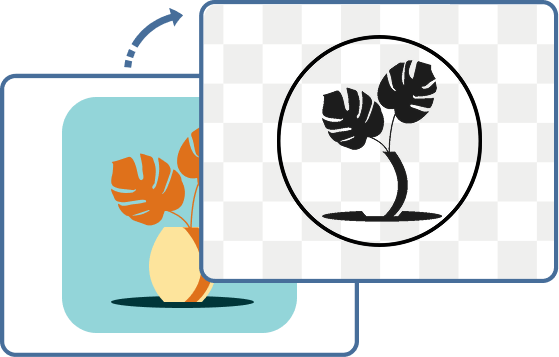
Convert JPG to Stamp

Convert a JPG photo into a stylized two-color PNG stamp or seal. Control detail level, borders, and color mapping to transform selected JPG content into stamp-style PNG graphics.
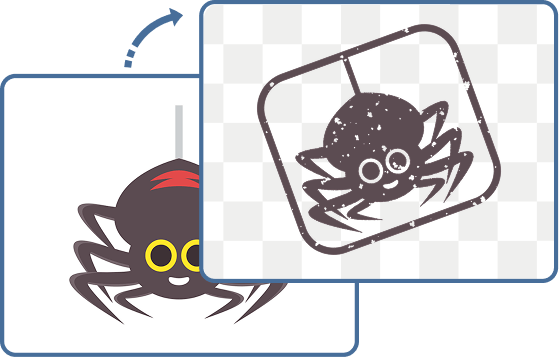
Convert Icon to Stamp

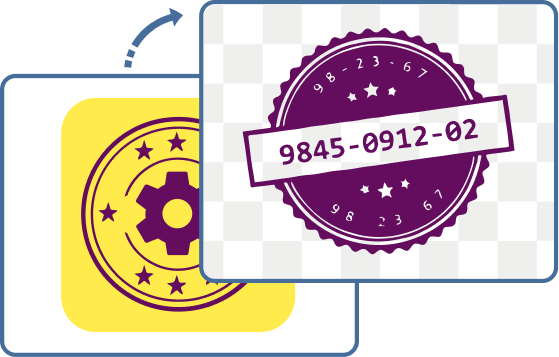
Convert an icon into a digital stamp or seal. Apply stamp-style rendering with adjustable shape, color, and effects such as wear simulation or decorative enhancements.

Convert Logo to Stamp

Create a digital stamp or seal from any logo. Convert logo outlines into stamp-style graphics with adjustable shape, ink density and texture settings.

Convert Signature to Stamp

Convert a handwritten signature into a digital stamp or seal. Extract signature shapes from uploaded images and apply configurable stamp styling such as shape, color and borders.

Frequently Asked Questions

They create, customize and format PNG stamps and seals for business and personal use.

One use is to communicate important information at a glance. For example, a date & time stamp refers to essential calendar events. Another use is to prepare stamps or seals for overlay using the Transparent Stamp tool. Finally, there are design tools to improve the appearance of stamps and seals, such as removing a border to increase readability. Whichever you choose, PNG Stamp tools make your stamps and seals the best they can be.

Everyone can use these tools: web and graphic designers, software developers, admins, small business owners and anyone who wants a custom communication tool.

One of our most popular and powerful tools is the PNG Extract Stamp from Image tool.

Upload a digital image, select any part of it and turn it into a stamp or seal–no complicated software required. Another often-used tool is the Crop Stamp tool. Not only can you eliminate extra space around your stamp, you can also choose to place it in an oval or rectangle frame.

No. Your stamp is never saved to our servers. Changes to your digital image occur in your browser and can be stored on your computer or mobile device. Users enjoy total privacy.

The most popular use is a watermark.

Watermarks indicate ownership or authenticity without obscuring the content. Change a solid stamp or seal to translucent here.

It’s much easier to position a stamp when it’s the right size, especially if it is overlaid on top of text or numbers. Crop the extra space around your stamp and easily size up or down for visibility. Try the Crop Stamp tool here.

Does the border make your stamp look busy? If so, delete the border. Use the Remove Stamp Border tool to make reader comprehension easier and quicker.

PNGs are often transparent, but a solid background is sometimes needed for impact. Fill in the background of your PNG stamp or seal when it must be seen.

Padding is just another word for space. Depending on how you use your stamp, you may need to expand the space around the border to make it stand out. Try the Add Stamp Padding tool here.

The best color depends on the purpose. For example, some businesses use a date and time stamp to manage the flow of paperwork. To ensure a smooth work transfer from department to department, the stamp should be highly visible in a color with a lot of contrast, like red or black. Modify the color of your stamp or sealhere.

Colored stamps and seals stand out from the background, which is great for visibility. But, grayscale might be appropriate if the color distracts from or obscures the background. Try converting your stamp or seal to grayscale here.

PNG stamps and seals look terrific in black & white tones because they are simple, elegant and readable. Convert a colored or grayscale image to black & white for a crisp appearance.

Adjust the color by using the PNG Stamp Quality tool. It corrects color by refining hue and tones, fixes color balance problems and optimizes the image.

Sometimes, a multicolor source, like a logo, doesn’t translate well to becoming a stamp or seal because it looks cluttered. Reducing the stamp or seal to a single color retains the original image while ensuring readability.

Stamps made of rubber are a little outdated and aren’t always reliable, depending on how the ink is applied. What’s the solution? Take a photo of your beloved rubber stamp or scan and upload it to the PNG Rubber Stamp to Digital Stamp tool. Your new digital stamp won’t wear out or become illegible over time.

Monogram stamps featuring the initials of the happy couple are often circular and placed on the back flap of a paper invitation.

Input your initials, choose a font and download a completed PNG stamp image for printing.

The powerful PNG Custom Stamp tool will help you personalize packaging, cards, promotional materials and more. Choose the size, shape, color, text, design and decoration and generate a stamp that is tailored to your marketing needs.

With the PNG Numbering Stamp tool, you can save time and reduce frustration. Instead of retyping your nine-digit EIN, create a digital stamp and move on—you have better things to do!

Seals are often used to confirm the receipt or validity of important documents or certificates. With a PNG stamp or seal, office visits and sending papers in the mail are no longer necessary. Make a Round Seal here and see how it expedites your workflow.

The powerful PNG Resize Stamp tool allows you to modify image height and width, maintain scale and aspect ratio, or stretch and squeeze the dimensions into a new size and shape.

Use the PNG Number Stamp tool in a rectangular format to create a barcode that aligns with scan formats.

Upload the incorrect PNG image, use the Rotate Stamp tool to reorient it, and then download or copy it to the clipboard.

You’ll need to edit some of the photos to create a collage of digital images. Use the PNG Cut Out Stamp tool to make a selection, and watch as it applies a circular or oval frame to your special moment.

Some social media or app icon formats don’t support a circle stamp, but changing it to a box is easy. Upload your existing stamp, select the correct dimensions and transform your round stamp to a square.

Yes. Upload the logo to the Logo to Stamp Converter and customize the border shape, ink texture, wear effects, and colors to create an authentic digital stamp design.

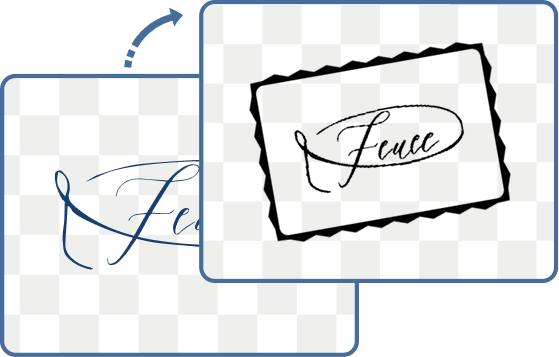
Use the Signature to Stamp Converter to extract the signature from the uploaded image and apply stamp styling, borders, transparency, and color effects for a clean digital seal.


Use cases

Advertising Agency Operations

Many people are involved in producing ads and campaigns, from the Client to the Account Executive to the Copywriter to the Art Department and back again. Changes can occur at any point, and tracking the journey is essential. Date & time stamps track progress; green stamps indicate approval and red stamps flag corrections. Together, they provide a timely and accurate snapshot of the project.

Losing the Logo

Even though his logo stamp appeared on signage and flyers, a small restaurant owner discovered his original digital logo had been lost. How could he expand his social media presence if he couldn’t complete the profile? But all was not lost. The Extract Stamp from Image tool isolated the logo from a scan of his flyer. Then, he used the Quality tool to clean it up, downloaded the clean stamp and saved it for future use.

Web Developers

They resize stamps and seals to align with other graphic elements and maintain proportions across materials. Another task is optimizing the images for web, email, SEO or printing. Popular tools include adding or subtracting padding, cropping and making transparent backgrounds—all in a day’s work!

Closing the Deal

Notaries use custom seals to witness contracts, certificates or forms officially. Many stamps are rendered in monochromatic black & white to stand out against the document's background. Change your stamp or seal to black & white here.

Event Branding

Stamps are a clever way to brand an event because they’re visual, intuitive and authoritative. A rectangle stamp adapts well to the shape and dimensions of invitations, signs and attendee badges. Make a rectangular stamp here and create a consistent presence.


Our Users and Customers

Browserling and our online tools are used by millions of users every month, and our customers include governments, states, cities, banks, stock exchanges, universities, newspapers, Forbes 100, Forbes 500 companies, and private multi-billion dollar companies.


If you like our tools, please consider getting a premium plan.

Premium Plan

  • Commercial use allowed
  • No ads (ad free!)
  • Unlimited uses per day
  • Combine multiple tools together
  • Instant download
  • Single user license

Subscribe!

Subscribe to our updates. We'll let you know when we release new tools, features, and organize online workshops.

Enter your email here


Feedback. We'd love to hear from you! 👋

Created with love by

We're Browserling — a friendly and fun cross-browser testing company powered by alien technology. At Browserling we love to make people's lives easier, so we created this collection of online PNG tools. We created the simplest possible user interface for our tools and they are now used by millions of users every month. Behind the scenes, our online PNG tools are actually powered by our web developer tools that we created over the last couple of years. Check them out!

49K
@browserling

All Tools