World's simplest browser-based Portable Network Graphics (PNG) outlier color mask generator. Just import your PNG image into the editor on the left, and you will instantly get a mask that marks pixels whose colors differ sharply from their neighbors on the right. In the options, you can fine-tune the detection sensitivity and choose a scanning direction to perfectly trace object boundaries. You can also customize the mask colors, preserve original transparency, and review real-time statistics for all detected pixels. Free, quick, and very powerful. Created with love by team Browserling.
World's simplest browser-based Portable Network Graphics (PNG) outlier color mask generator. Just import your PNG image into the editor on the left, and you will instantly get a mask that marks pixels whose colors differ sharply from their neighbors on the right. In the options, you can fine-tune the detection sensitivity and choose a scanning direction to perfectly trace object boundaries. You can also customize the mask colors, preserve original transparency, and review real-time statistics for all detected pixels. Free, quick, and very powerful. Created with love by team Browserling.

This browser-based utility detects color outlier pixels in a PNG image and generates a mask based on color anomalies. Outlier pixels are points whose colors differ significantly from the surrounding area. They are typically found along edges, at sharp transitions, in textures, thin lines, and fine details. Creating a mask of outlier pixels helps identify object boundaries and texture structures within an image. The detection process is based on local neighbor comparison. Each pixel or block is compared with adjacent elements, and if the color difference exceeds a defined threshold, it is classified as an outlier. The behavior of this analysis is controlled through several options. The Pixel Size parameter defines the size of the analysis unit. At 1, every pixel is evaluated individually. Values greater than 1 divide the image into square blocks, average their colors, and treat each block as a single analysis element. The Threshold parameter controls sensitivity. It sets the minimum color difference (0% to 100%) required to mark a pixel or block as an outlier. The Color Algorithm determines how color differences are calculated. "Euclidean Distance" measures direct distance in RGB space, while "Delta‑E" evaluates difference based on perceptual color models. Detection behavior is guided by the scan direction setting. Since each pixel is compared with its neighbors, the selected direction defines the starting corner and which neighbors are checked. For example, starting from the top left corner means the tool looks at neighbors to the right, below, and diagonally down to the right. By default, only the current pixel is marked when a difference exceeds the threshold. If "Thick Lines" is enabled, both the current pixel and its neighbor are marked, creating thicker edges. The "Preserve Original Alpha" option keeps the PNG's transparency, ensuring the mask maintains the same opacity levels as the source image. The Mask Output mode controls how pixels are visualized. "Binary (Two‑color) Mask" creates a silhouette-style image using the selected outlier and non‑outlier pixel colors. "Replace Outliers Only" and "Replace Non‑outliers Only" produce hybrid results, with one set of pixels recolored and the other remaining unchanged from the original image. The tool also provides mask statistics, including the exact count and percentage of outlier and non‑outlier pixels. Png-abulous!
This browser-based utility detects color outlier pixels in a PNG image and generates a mask based on color anomalies. Outlier pixels are points whose colors differ significantly from the surrounding area. They are typically found along edges, at sharp transitions, in textures, thin lines, and fine details. Creating a mask of outlier pixels helps identify object boundaries and texture structures within an image. The detection process is based on local neighbor comparison. Each pixel or block is compared with adjacent elements, and if the color difference exceeds a defined threshold, it is classified as an outlier. The behavior of this analysis is controlled through several options. The Pixel Size parameter defines the size of the analysis unit. At 1, every pixel is evaluated individually. Values greater than 1 divide the image into square blocks, average their colors, and treat each block as a single analysis element. The Threshold parameter controls sensitivity. It sets the minimum color difference (0% to 100%) required to mark a pixel or block as an outlier. The Color Algorithm determines how color differences are calculated. "Euclidean Distance" measures direct distance in RGB space, while "Delta‑E" evaluates difference based on perceptual color models. Detection behavior is guided by the scan direction setting. Since each pixel is compared with its neighbors, the selected direction defines the starting corner and which neighbors are checked. For example, starting from the top left corner means the tool looks at neighbors to the right, below, and diagonally down to the right. By default, only the current pixel is marked when a difference exceeds the threshold. If "Thick Lines" is enabled, both the current pixel and its neighbor are marked, creating thicker edges. The "Preserve Original Alpha" option keeps the PNG's transparency, ensuring the mask maintains the same opacity levels as the source image. The Mask Output mode controls how pixels are visualized. "Binary (Two‑color) Mask" creates a silhouette-style image using the selected outlier and non‑outlier pixel colors. "Replace Outliers Only" and "Replace Non‑outliers Only" produce hybrid results, with one set of pixels recolored and the other remaining unchanged from the original image. The tool also provides mask statistics, including the exact count and percentage of outlier and non‑outlier pixels. Png-abulous!
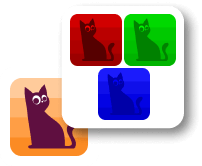
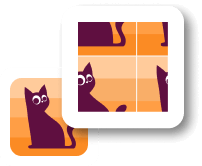
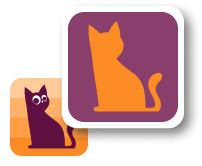
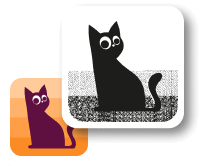
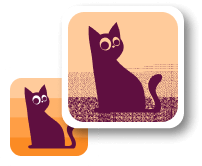
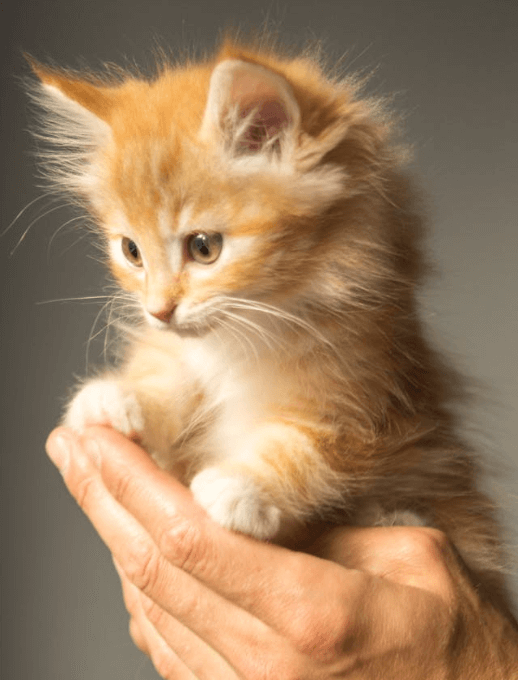
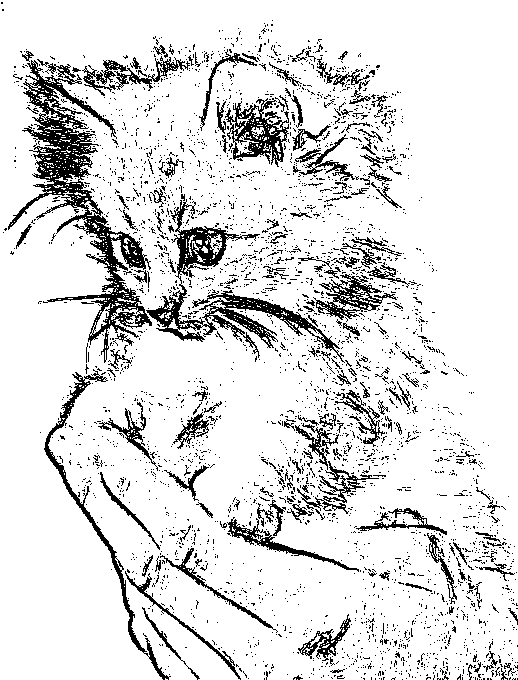
In this example, we generate an outlier mask for a cute kitten image. Each pixel is analyzed individually (Pixel Size = 1) and compared to its neighbors using the Euclidean distance algorithm. Pixels with a color change greater than 4% are marked as outliers. The scan starts from the upper-right corner and proceeds left and downward, capturing subtle transitions in fur texture and fine facial details. The result is a crisp black-and-white mask that highlights the kitten's main contours and delicate features. (Source: Pexels.)
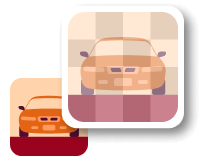
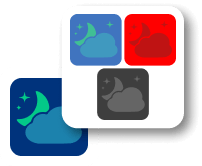
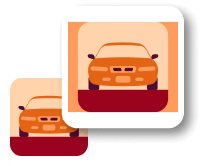
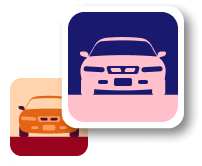
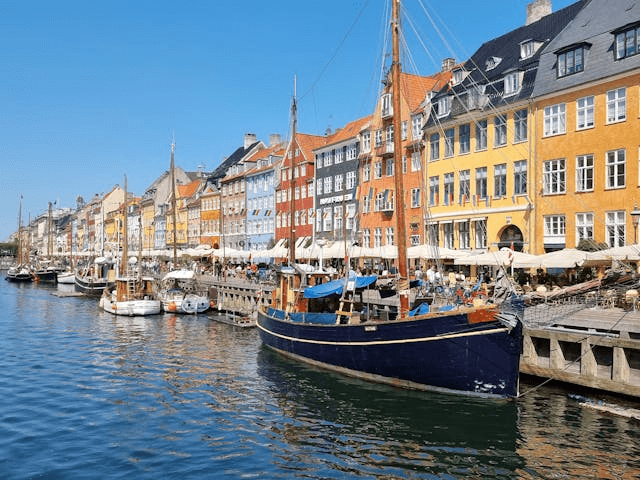
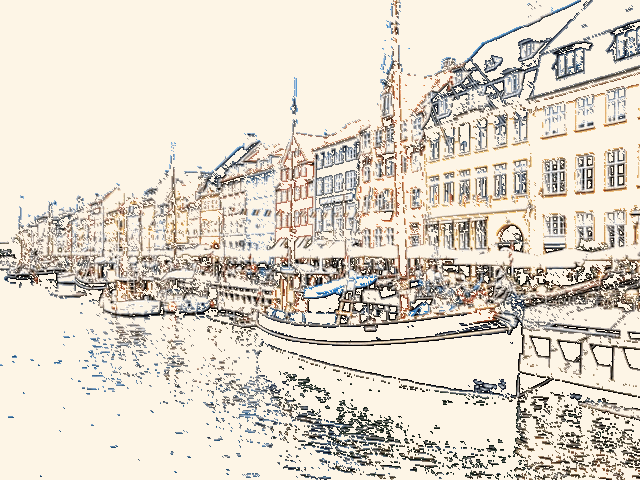
This example transforms a photo of the Nyhavn Canal into a detailed architectural mask. Urban landscapes are filled with sharp geometric shapes, such as building facades, windows, and sails. To capture these structural elements, we apply an 18% color threshold and enable the "Thick Lines" option to double the visibility of the edges. Instead of a full binary mask, we use a hybrid output mode that replaces all non-outlier pixels with a solid "oldlace" color while leaving the original colors of the detected architectural lines untouched. (Source: Pexels.)
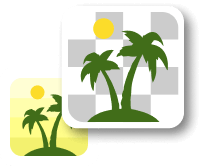
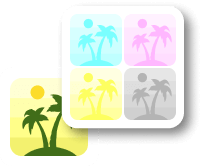
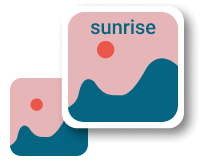
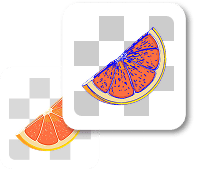
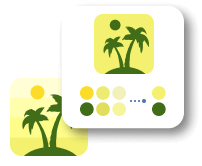
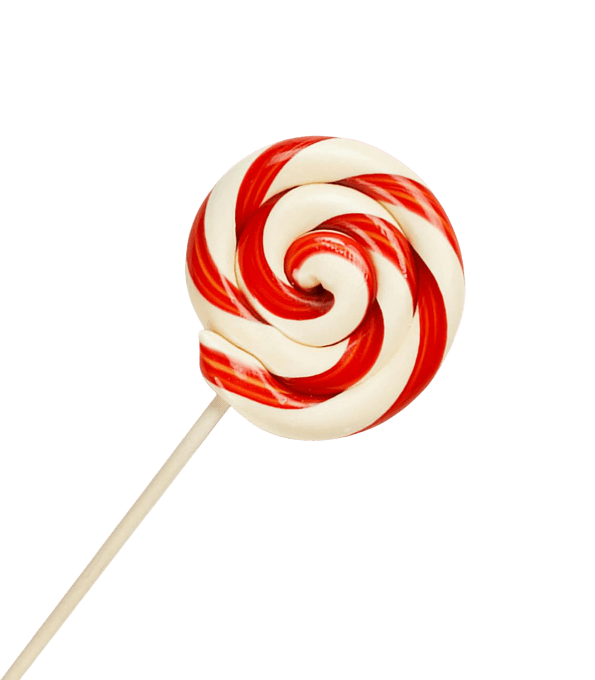
In this example, we apply a block-based analysis to a swirl candy stick on a transparent background. Instead of checking individual pixels, we group the image into 5x5-pixel blocks and evaluate their average color differences using a 10% Delta-E threshold. By enabling the "Replace Outliers Only" mode, the tool fills only the detected edges with black while maintaining the source transparency. This configuration produces a bold, chunky pixelated effect that emphasizes the candy's form in a retro, Minecraft-inspired digital style. (Source: Pexels.)

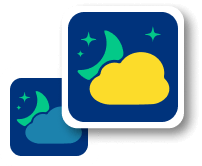
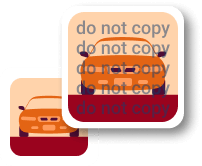
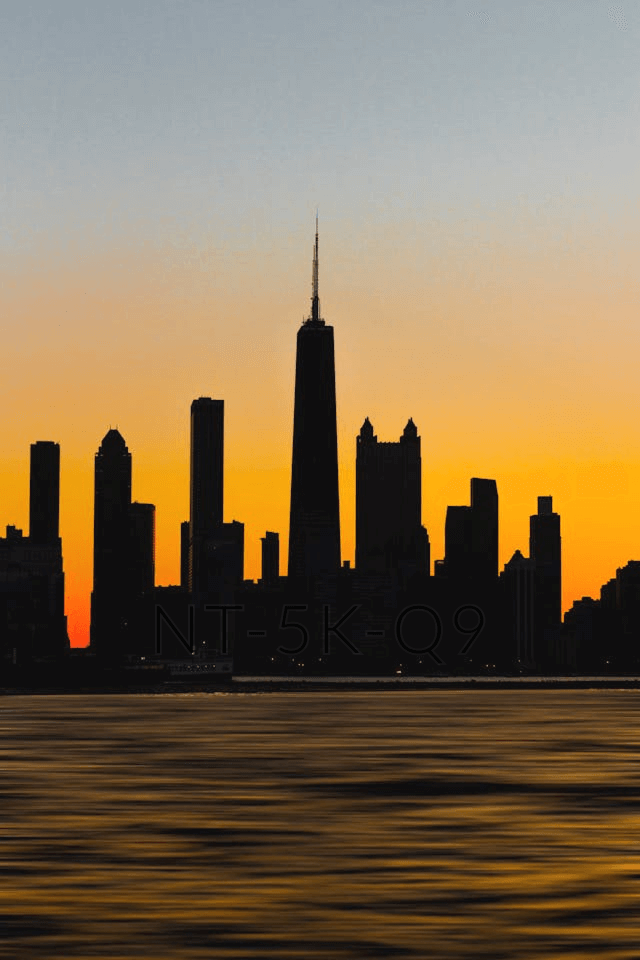
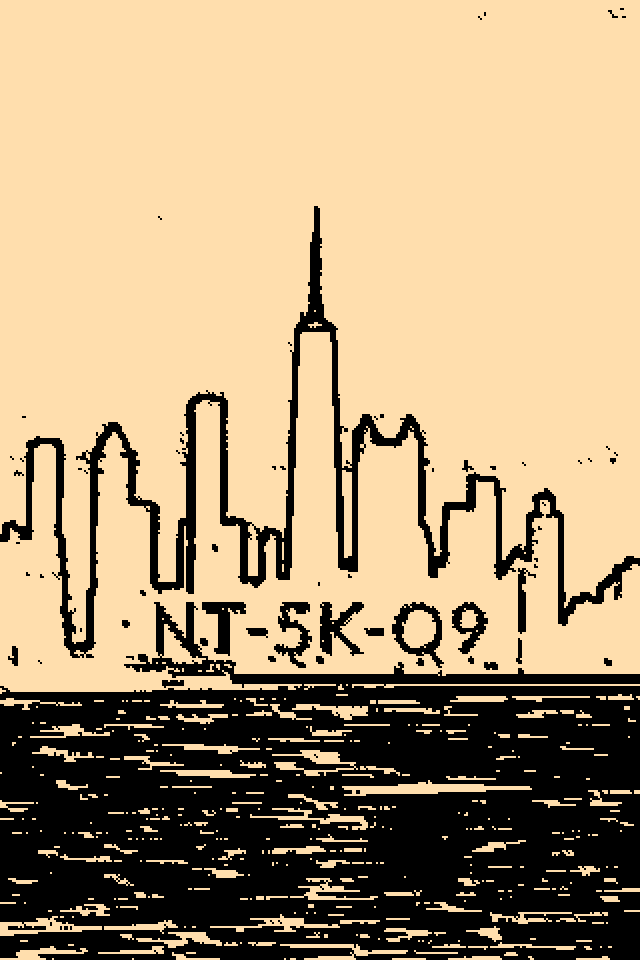
This example demonstrates how outlier detection can uncover concealed information within nearly uniform images. By scanning a city silhouette from the lower-left corner with a very sensitive 3% threshold, we reveal a hidden "NT-5K-Q9" access key embedded in the digital noise. The process identifies subtle color deviations that are invisible to the naked eye and maps them into a high-contrast binary mask, effectively turning a simple urban graphic into a decoded dashboard login credential. (Source: Pexels.)
Edit a PNG in your browser.
Compare two or more PNG images.
Convert a PNG image to an AV1 image (AVIF).
Convert an AV1 image (AVIF) to a PNG image.
Convert a PNG image to a High Efficiency Image File (HEIF).
Convert a Hide Efficiency Image File (HEIF) to a PNG image.
Convert a PNG image to an ICO icon.
Convert a PNG image to a TIFF image.
Convert a TIFF image to a PNG image.
Convert a PNG image to a PIK image.
Convert a PIK image to a PNG image.
Convert a PNG image to a PPM image.
Convert a PPM image to a PNG image.
Convert a PNG image to a BPG image.
Convert a BPG image to a PNG image.
Convert a PNG image to a FLIF image.
Convert a FLIF image to a PNG image.
Convert a PNG image to a Paint.net file.
Convert a Paint.net file to a PNG image.
Convert a PNG image to a Photoshop file.
Convert a Photoshop file to a PNG image.
Convert a PNG image to an SVG image.
Convert a PNG image to an PDF document.
Convert a PDF document to a PNG image (or multiple images).
Convert a PNG image to an EPS file.
Convert an EPS file to a PNG image (or multiple images).
Convert a PNG image to a JFIF image.
Convert a JFIF image to a PNG image.
Convert a PNG image to raw RGB values.
Convert RGB values to a PNG image.
Convert a PNG image to raw BGR values.
Convert BGR values to a PNG image.
Convert a PNG image to raw RGBA values.
Convert RGBA values to a PNG image.
Convert a PNG image to raw BGRA values.
Convert BGRA values to a PNG image.
Convert multiple PNGs to a GIF animation.
Convert an APNG animation to a GIF image.
Convert a GIF animation to an APNG image.
Convert an APNG image to a Webp image.
Convert a Webp image to an APNG image.
Convert an APNG image to an MP4 video.
Convert an MP4 video to an APNG image.
Convert an APNG image to an AVI video.
Convert an AVI video to an APNG image.
Convert an APNG image to a WMV video.
Convert an WMV video to an APNG image.
Extract all frames from an APNG image.
Play a PNG animation (APNG) frame by frame.
Change the playback speed of an animated PNG (APNG).
Change how many times an animated PNG loops.
Reverse the order of frames in an animated PNG (APNG).
Created animated PNGs (APNGs) from input images.
Check if the given PNG file is an animated PNG file (APNG).
Create a sprite sheet from all animated PNG (APNG) frames.
Create an animated PNG (APNG) from a sprite sheet.
Create Excel art from a PNG image.
Break a PNG image into multiple pieces.
Generate a slideshow animation from multiple PNGs.
Generate a mosaic wall from multiple PNGs.
Convert a PNG into a hexagonal grid of pixels.
Convert a PNG into a triangular grid of pixels.
Create a Voronoi diagram from a PNG image.
Darken PNG corners compared to its center.
Create multiple reflections of a PNG.
Apply a Bayer filter on a PNG.
Make a PNG look like it was taken via night vision goggles.
Make a PNG look like it's spherical.
Run a PNG through the Mobius Transform.
Convert between RGB, CMYK, HSV, and HSL color spaces.
Remove dithering from a PNG image.
Convert a PNG to an ASCII art image.
Convert a PNG to an ANSI art image.
Convert ANSI art to a PNG image.
Convert a PNG to a Braille art image.
Convert Braille art to a PNG image.
Increase the quality of a PNG image.
Extract a 2d slice from a PNG.
Create a PNG that contains all possible RGB colors.
Find all textual information in a PNG image and extract it.
Given any 2D PNG, add 3rd dimension to it.
Quickly erase text (labels, captions) from a PNG.
Quickly delete a watermark from a PNG.
Salvage a PNG that has bad bytes in it and doesn't open.
Conceal a secret message in a PNG image.
Update meta data of a PNG file.
Delete meta data from a PNG picture.
Check if the given file is a valid PNG without errors.
Subscribe to our updates. We'll let you know when we release new tools and features, and when we organize online workshops.
Enter your email here
We're Browserling — a friendly and fun cross-browser testing company powered by alien technology. At Browserling we love to make people's lives easier, so we created this collection of online PNG tools. We created the simplest possible user interface for our tools and they are now used by millions of users every month. Behind the scenes, our online PNG tools are actually powered by our web developer tools that we created over the last couple of years. Check them out!