World's simplest browser-based Portable Network Graphics (PNG) opacity restorer. Just import your PNG image containing semi-transparent objects or partially visible elements into the editor on the left, and you will instantly get a fully opaque version of those elements on the right. In the options, you can choose how transparency is removed, set a minimum alpha threshold to keep backgrounds invisible, and refine edges for smoother borders. Free, quick, and very powerful. Created with love by team Browserling.
World's simplest browser-based Portable Network Graphics (PNG) opacity restorer. Just import your PNG image containing semi-transparent objects or partially visible elements into the editor on the left, and you will instantly get a fully opaque version of those elements on the right. In the options, you can choose how transparency is removed, set a minimum alpha threshold to keep backgrounds invisible, and refine edges for smoother borders. Free, quick, and very powerful. Created with love by team Browserling.
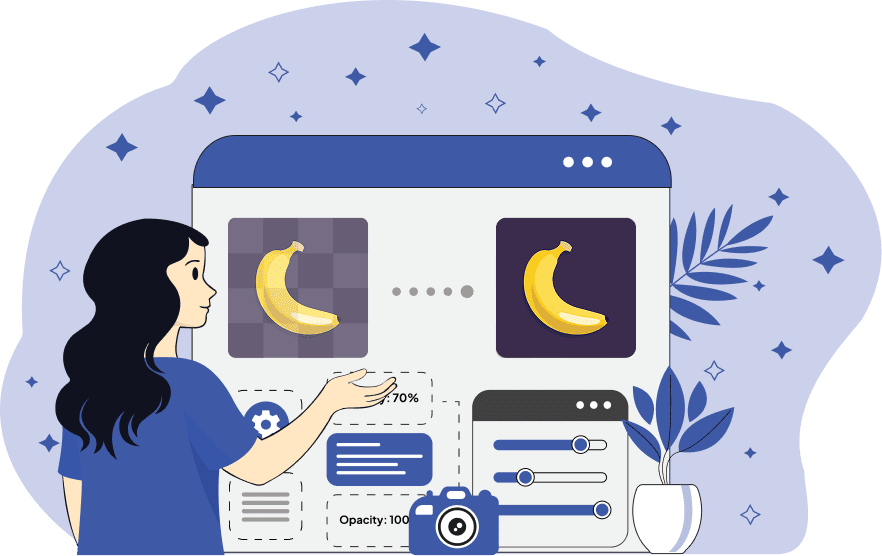
This browser-based program converts semi-transparent elements in PNG images into fully visible, opaque objects. It is especially useful when you previously reduced the opacity of an icon, logo, watermark, or design element and later need to restore its original solid appearance. For example, if you created a semi-transparent logo for a web block but later need the original opaque version for print or another design context, this tool lets you restore the solid look. The tool provides two different opacity modes. The first mode, "Discard Transparency", removes the alpha channel entirely, restoring pure RGB values for all pixels. This means every pixel becomes fully opaque, showing the image as if transparency had never been applied. The second mode, "Flatten onto Background", blends semi-transparent pixels with a solid background color of your choice. This is useful if you want to preserve the image's overall look while ensuring that no semi-transparent pixels remain. To control how transparency is handled, the tool provides a "Minimum Alpha" threshold. This option lets you specify a cutoff value: pixels with alpha below this threshold remain unchanged (so a transparent background can stay transparent), while pixels above the threshold are forced to become opaque. The tool also includes a "Refine Edges" option. When enabled, it adds gradual transparency around object borders within a specified radius. This helps reduce harsh, jagged, or pixelated edges that can appear after forcing semi-transparent pixels to full opacity. Png-abulous!
This browser-based program converts semi-transparent elements in PNG images into fully visible, opaque objects. It is especially useful when you previously reduced the opacity of an icon, logo, watermark, or design element and later need to restore its original solid appearance. For example, if you created a semi-transparent logo for a web block but later need the original opaque version for print or another design context, this tool lets you restore the solid look. The tool provides two different opacity modes. The first mode, "Discard Transparency", removes the alpha channel entirely, restoring pure RGB values for all pixels. This means every pixel becomes fully opaque, showing the image as if transparency had never been applied. The second mode, "Flatten onto Background", blends semi-transparent pixels with a solid background color of your choice. This is useful if you want to preserve the image's overall look while ensuring that no semi-transparent pixels remain. To control how transparency is handled, the tool provides a "Minimum Alpha" threshold. This option lets you specify a cutoff value: pixels with alpha below this threshold remain unchanged (so a transparent background can stay transparent), while pixels above the threshold are forced to become opaque. The tool also includes a "Refine Edges" option. When enabled, it adds gradual transparency around object borders within a specified radius. This helps reduce harsh, jagged, or pixelated edges that can appear after forcing semi-transparent pixels to full opacity. Png-abulous!
In this example, we upload a semi-transparent Whole Foods Market logo, originally exported from a design mockup, with reduced opacity. Now we need a fully visible version of the logo. To achieve this, we use the "Discard Transparency" mode, which removes the alpha channel entirely and restores full opacity to all pixels above the minimum alpha threshold (0.1). (Source: Wikipedia.)


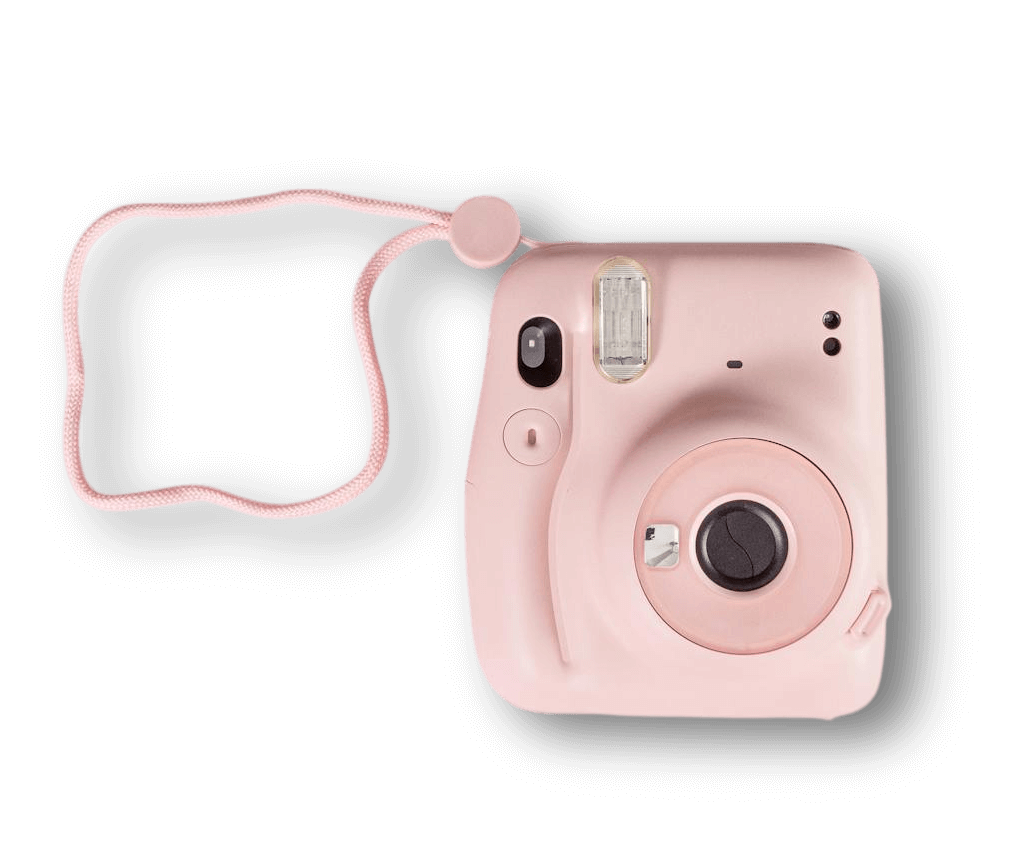
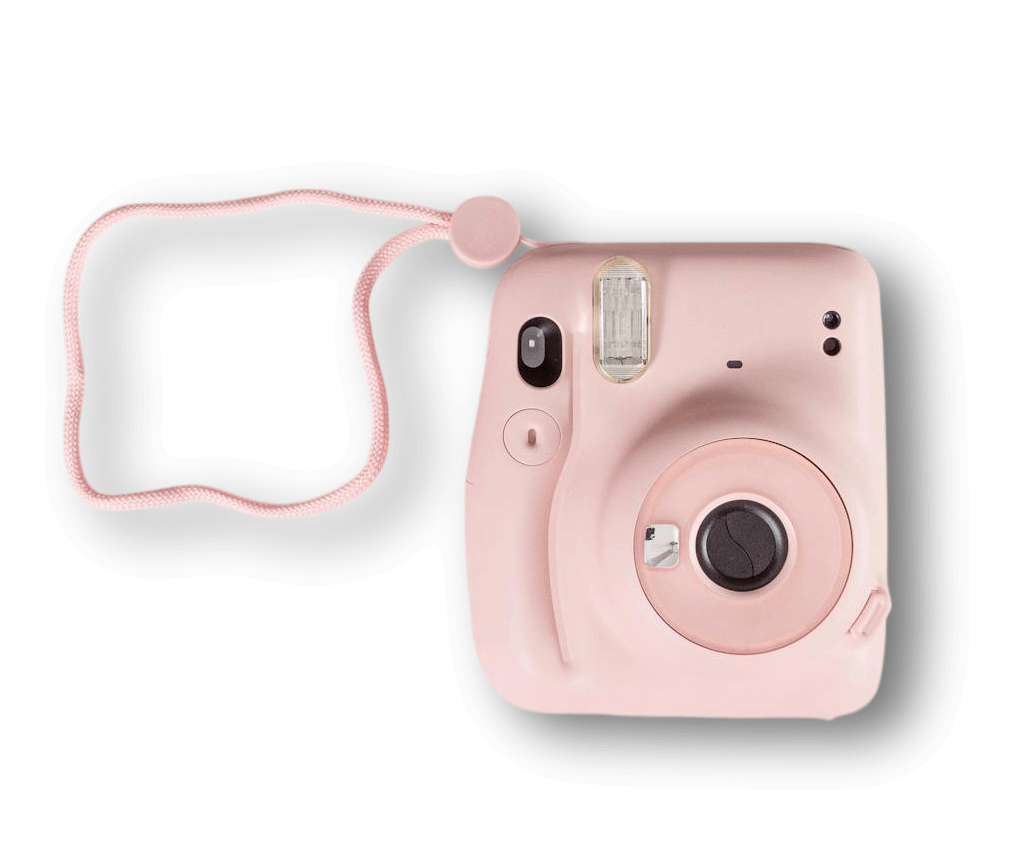
In this example, we convert a PNG image of a pink Polaroid camera into a completely opaque sticker-style graphic. Although the camera itself is solid, its shadow is composed of semi-transparent gray pixels. To eliminate all translucency, we switch to the "Flatten onto Background" mode and blend the image with a white background. (Source: Pexels.)
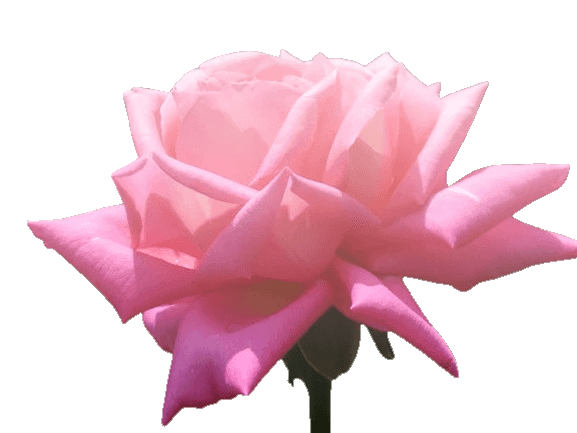
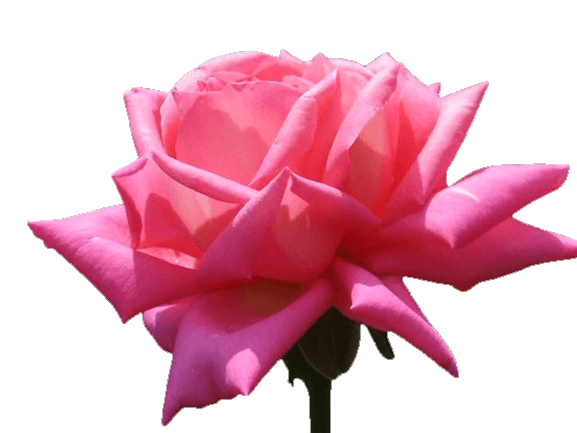
In this example, we make the petals of a semi-transparent rose fully opaque. When we recover RGB data, dark marks appear along the edges. These are edge artifacts left over from the original background removal. To clean the borders, we turn on the "Refine Edges" option with a radius of 2. This adds a soft transparency gradient around the outline and blends the petals smoothly with the transparent background. (Source: Pexels.)
Edit a PNG in your browser.
Compare two or more PNG images.
Convert a PNG image to an AV1 image (AVIF).
Convert an AV1 image (AVIF) to a PNG image.
Convert a PNG image to a High Efficiency Image File (HEIF).
Convert a Hide Efficiency Image File (HEIF) to a PNG image.
Convert a PNG image to an ICO icon.
Convert a PNG image to a TIFF image.
Convert a TIFF image to a PNG image.
Convert a PNG image to a PIK image.
Convert a PIK image to a PNG image.
Convert a PNG image to a PPM image.
Convert a PPM image to a PNG image.
Convert a PNG image to a BPG image.
Convert a BPG image to a PNG image.
Convert a PNG image to a FLIF image.
Convert a FLIF image to a PNG image.
Convert a PNG image to a Paint.net file.
Convert a Paint.net file to a PNG image.
Convert a PNG image to a Photoshop file.
Convert a Photoshop file to a PNG image.
Convert a PNG image to an SVG image.
Convert a PNG image to an PDF document.
Convert a PDF document to a PNG image (or multiple images).
Convert a PNG image to an EPS file.
Convert an EPS file to a PNG image (or multiple images).
Convert a PNG image to a JFIF image.
Convert a JFIF image to a PNG image.
Convert a PNG image to raw RGB values.
Convert RGB values to a PNG image.
Convert a PNG image to raw BGR values.
Convert BGR values to a PNG image.
Convert a PNG image to raw RGBA values.
Convert RGBA values to a PNG image.
Convert a PNG image to raw BGRA values.
Convert BGRA values to a PNG image.
Convert multiple PNGs to a GIF animation.
Convert an APNG animation to a GIF image.
Convert a GIF animation to an APNG image.
Convert an APNG image to a Webp image.
Convert a Webp image to an APNG image.
Convert an APNG image to an MP4 video.
Convert an MP4 video to an APNG image.
Convert an APNG image to an AVI video.
Convert an AVI video to an APNG image.
Convert an APNG image to a WMV video.
Convert an WMV video to an APNG image.
Extract all frames from an APNG image.
Play a PNG animation (APNG) frame by frame.
Change the playback speed of an animated PNG (APNG).
Change how many times an animated PNG loops.
Reverse the order of frames in an animated PNG (APNG).
Created animated PNGs (APNGs) from input images.
Check if the given PNG file is an animated PNG file (APNG).
Create a sprite sheet from all animated PNG (APNG) frames.
Create an animated PNG (APNG) from a sprite sheet.
Create Excel art from a PNG image.
Break a PNG image into multiple pieces.
Generate a slideshow animation from multiple PNGs.
Generate a mosaic wall from multiple PNGs.
Convert a PNG into a hexagonal grid of pixels.
Convert a PNG into a triangular grid of pixels.
Create a Voronoi diagram from a PNG image.
Darken PNG corners compared to its center.
Create multiple reflections of a PNG.
Apply a Bayer filter on a PNG.
Make a PNG look like it was taken via night vision goggles.
Make a PNG look like it's spherical.
Run a PNG through the Mobius Transform.
Convert between RGB, CMYK, HSV, and HSL color spaces.
Remove dithering from a PNG image.
Convert a PNG to an ASCII art image.
Convert a PNG to an ANSI art image.
Convert ANSI art to a PNG image.
Convert a PNG to a Braille art image.
Convert Braille art to a PNG image.
Increase the quality of a PNG image.
Extract a 2d slice from a PNG.
Create a PNG that contains all possible RGB colors.
Find all textual information in a PNG image and extract it.
Given any 2D PNG, add 3rd dimension to it.
Quickly erase text (labels, captions) from a PNG.
Quickly delete a watermark from a PNG.
Salvage a PNG that has bad bytes in it and doesn't open.
Conceal a secret message in a PNG image.
Update meta data of a PNG file.
Delete meta data from a PNG picture.
Check if the given file is a valid PNG without errors.
Subscribe to our updates. We'll let you know when we release new tools and features, and when we organize online workshops.
Enter your email here
We're Browserling — a friendly and fun cross-browser testing company powered by alien technology. At Browserling we love to make people's lives easier, so we created this collection of online PNG tools. We created the simplest possible user interface for our tools and they are now used by millions of users every month. Behind the scenes, our online PNG tools are actually powered by our web developer tools that we created over the last couple of years. Check them out!