World's simplest online paint color blending simulator. Just enter two, three, or four paint colors in the options, and the tool will calculate the resulting mixed paint color. You can specify colors using common formats such as color names, HEX, RGB(A), and HSL, or pick them directly from the color palette. The tool blends the colors using a perceptual paint-style algorithm and shows the resulting color in a selected format. Free, quick, and very powerful. Created with love by team Browserling.
World's simplest online paint color blending simulator. Just enter two, three, or four paint colors in the options, and the tool will calculate the resulting mixed paint color. You can specify colors using common formats such as color names, HEX, RGB(A), and HSL, or pick them directly from the color palette. The tool blends the colors using a perceptual paint-style algorithm and shows the resulting color in a selected format. Free, quick, and very powerful. Created with love by team Browserling.
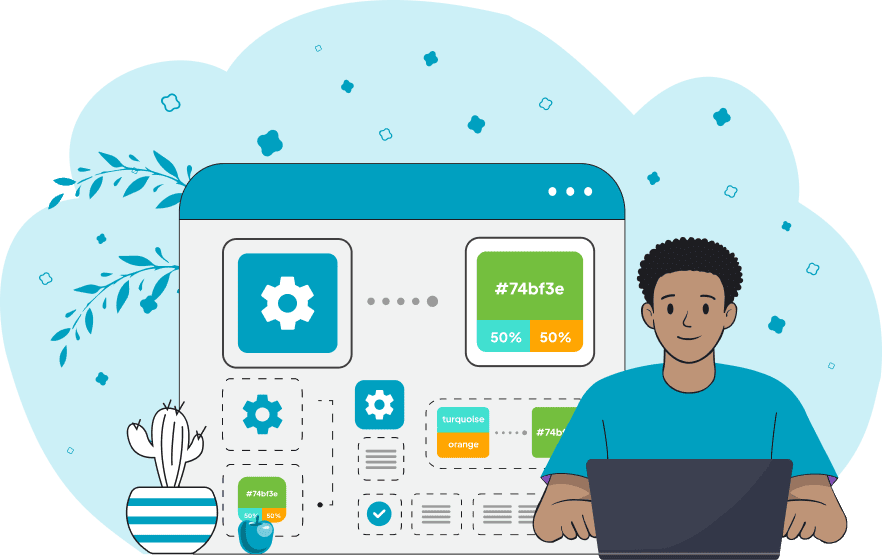
This tool simulates the process of mixing paint colors in a digital environment. The blending method used here is perceptual, meaning colors are combined in a way that reflects how the human eye perceives light and pigment. The resulting shade looks closer to what real paints would produce when mixed physically. The tool allows mixing two, three, or four colors at once. Each color can be entered as a name (for example, "blue" or "red"), a hexadecimal value (such as "#3366ff" or an 8‑digit hex like "#3366ffaa"), RGB or RGBA values (such as "rgb(255, 0, 0)" or "rgba(255, 0, 0, 0.5)"), or HSL values (like "hsl(210, 100%, 50%)"). You can also select a color directly from the palette attached to each option. The simulator supports mixing opaque colors, similar to dense paints like acrylic, with semi‑transparent colors that resemble watercolor. You can also dilute colors by adding transparency, simulating paints thinned with water. If you want to increase the proportion of a particular color, you can simply repeat it in multiple color fields. For example, to mix twice or three times more red with a single yellow, enter the red color in two or three input fields. If you need to mix a larger number of colors at once, you can use the Mix Multiple Colors tool. The tool automatically visualizes all selected colors in the preview area. Each color appears as a swatch and is labeled with either its name or its code. The resulting color label is also duplicated in a text field for quick copying. You can choose from many color formats for display, including HEX, RGB(A), HSL, HSV, LAB, LCH, CMYK, and others. Png-abulous!
This tool simulates the process of mixing paint colors in a digital environment. The blending method used here is perceptual, meaning colors are combined in a way that reflects how the human eye perceives light and pigment. The resulting shade looks closer to what real paints would produce when mixed physically. The tool allows mixing two, three, or four colors at once. Each color can be entered as a name (for example, "blue" or "red"), a hexadecimal value (such as "#3366ff" or an 8‑digit hex like "#3366ffaa"), RGB or RGBA values (such as "rgb(255, 0, 0)" or "rgba(255, 0, 0, 0.5)"), or HSL values (like "hsl(210, 100%, 50%)"). You can also select a color directly from the palette attached to each option. The simulator supports mixing opaque colors, similar to dense paints like acrylic, with semi‑transparent colors that resemble watercolor. You can also dilute colors by adding transparency, simulating paints thinned with water. If you want to increase the proportion of a particular color, you can simply repeat it in multiple color fields. For example, to mix twice or three times more red with a single yellow, enter the red color in two or three input fields. If you need to mix a larger number of colors at once, you can use the Mix Multiple Colors tool. The tool automatically visualizes all selected colors in the preview area. Each color appears as a swatch and is labeled with either its name or its code. The resulting color label is also duplicated in a text field for quick copying. You can choose from many color formats for display, including HEX, RGB(A), HSL, HSV, LAB, LCH, CMYK, and others. Png-abulous!
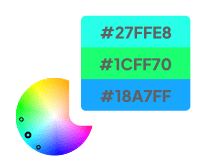
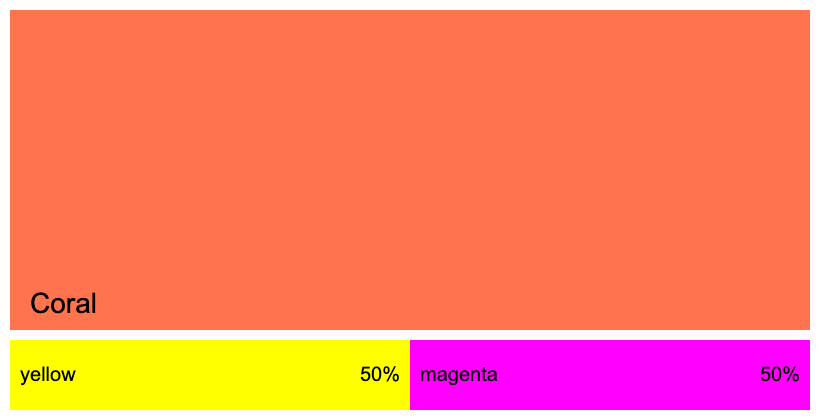
In this example, we simulate blending two paint colors using the perceptual paint-mixing model. We enter the CSS colors "yellow" and "magenta" in the first two color fields and combine pigments in equal proportions. As a result, the simulator produces a soft "coral" shade, which is close to the color you would obtain by mixing similar acrylic paints in a 1:1 ratio.
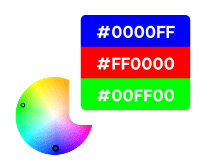
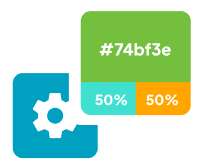
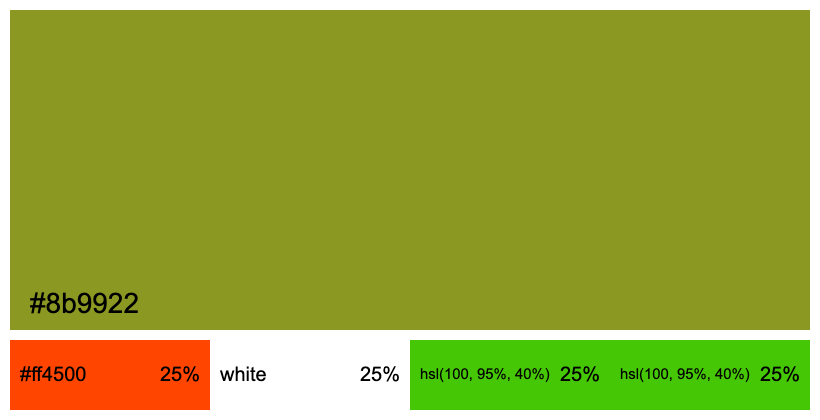
This example mixes four paint colors entered in different formats: OrangeRed in HEX, White by name, and LimeGreen twice in HSL format. By entering the LimeGreen value into two separate color slots, we effectively double its weight relative to the other pigments, making it 50% of the total mixture. The resulting shade is displayed in the preview with its hex code.
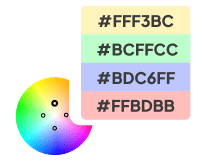
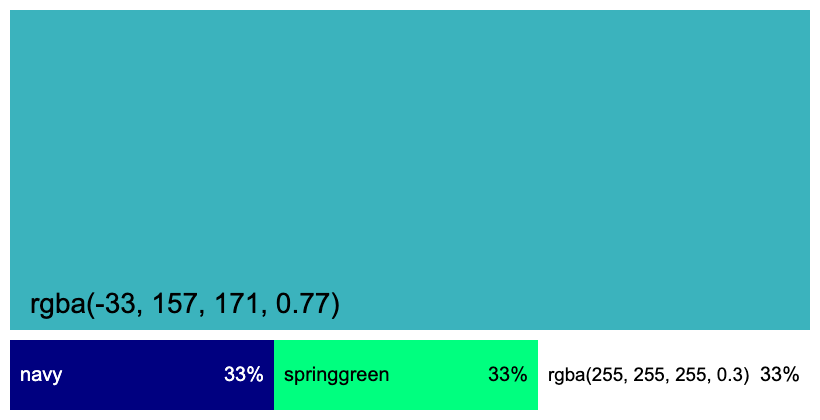
In this example, we simulate blending three paint colors and include a watercolor-like color in the mix. We enter "navy" and "springgreen" as opaque colors and add "rgba(255, 255, 255, 0.3)", which represents a semi-transparent white similar to diluted watercolor. Because watercolor paints are naturally translucent, this input affects the final blend, making the resulting color partially transparent. The simulator produces a DarkTurquoise-like shade and prints its exact RGBA value, preserving the alpha transparency component.
Edit a PNG in your browser.
Compare two or more PNG images.
Convert a PNG image to an AV1 image (AVIF).
Convert an AV1 image (AVIF) to a PNG image.
Convert a PNG image to a High Efficiency Image File (HEIF).
Convert a Hide Efficiency Image File (HEIF) to a PNG image.
Convert a PNG image to an ICO icon.
Convert a PNG image to a TIFF image.
Convert a TIFF image to a PNG image.
Convert a PNG image to a PIK image.
Convert a PIK image to a PNG image.
Convert a PNG image to a PPM image.
Convert a PPM image to a PNG image.
Convert a PNG image to a BPG image.
Convert a BPG image to a PNG image.
Convert a PNG image to a FLIF image.
Convert a FLIF image to a PNG image.
Convert a PNG image to a Paint.net file.
Convert a Paint.net file to a PNG image.
Convert a PNG image to a Photoshop file.
Convert a Photoshop file to a PNG image.
Convert a PNG image to an SVG image.
Convert a PNG image to an PDF document.
Convert a PDF document to a PNG image (or multiple images).
Convert a PNG image to an EPS file.
Convert an EPS file to a PNG image (or multiple images).
Convert a PNG image to a JFIF image.
Convert a JFIF image to a PNG image.
Convert a PNG image to raw RGB values.
Convert RGB values to a PNG image.
Convert a PNG image to raw BGR values.
Convert BGR values to a PNG image.
Convert a PNG image to raw RGBA values.
Convert RGBA values to a PNG image.
Convert a PNG image to raw BGRA values.
Convert BGRA values to a PNG image.
Convert multiple PNGs to a GIF animation.
Convert an APNG animation to a GIF image.
Convert a GIF animation to an APNG image.
Convert an APNG image to a Webp image.
Convert a Webp image to an APNG image.
Convert an APNG image to an MP4 video.
Convert an MP4 video to an APNG image.
Convert an APNG image to an AVI video.
Convert an AVI video to an APNG image.
Convert an APNG image to a WMV video.
Convert an WMV video to an APNG image.
Extract all frames from an APNG image.
Play a PNG animation (APNG) frame by frame.
Change the playback speed of an animated PNG (APNG).
Change how many times an animated PNG loops.
Reverse the order of frames in an animated PNG (APNG).
Created animated PNGs (APNGs) from input images.
Check if the given PNG file is an animated PNG file (APNG).
Create a sprite sheet from all animated PNG (APNG) frames.
Create an animated PNG (APNG) from a sprite sheet.
Create Excel art from a PNG image.
Break a PNG image into multiple pieces.
Generate a slideshow animation from multiple PNGs.
Generate a mosaic wall from multiple PNGs.
Convert a PNG into a hexagonal grid of pixels.
Convert a PNG into a triangular grid of pixels.
Create a Voronoi diagram from a PNG image.
Darken PNG corners compared to its center.
Create multiple reflections of a PNG.
Apply a Bayer filter on a PNG.
Make a PNG look like it was taken via night vision goggles.
Make a PNG look like it's spherical.
Run a PNG through the Mobius Transform.
Convert between RGB, CMYK, HSV, and HSL color spaces.
Remove dithering from a PNG image.
Convert a PNG to an ASCII art image.
Convert a PNG to an ANSI art image.
Convert ANSI art to a PNG image.
Convert a PNG to a Braille art image.
Convert Braille art to a PNG image.
Increase the quality of a PNG image.
Extract a 2d slice from a PNG.
Create a PNG that contains all possible RGB colors.
Find all textual information in a PNG image and extract it.
Given any 2D PNG, add 3rd dimension to it.
Quickly erase text (labels, captions) from a PNG.
Quickly delete a watermark from a PNG.
Salvage a PNG that has bad bytes in it and doesn't open.
Conceal a secret message in a PNG image.
Update meta data of a PNG file.
Delete meta data from a PNG picture.
Check if the given file is a valid PNG without errors.
Subscribe to our updates. We'll let you know when we release new tools and features, and when we organize online workshops.
Enter your email here
We're Browserling — a friendly and fun cross-browser testing company powered by alien technology. At Browserling we love to make people's lives easier, so we created this collection of online PNG tools. We created the simplest possible user interface for our tools and they are now used by millions of users every month. Behind the scenes, our online PNG tools are actually powered by our web developer tools that we created over the last couple of years. Check them out!