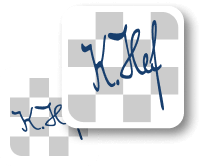
World's simplest online black signature maker. Just upload your digital signature or a photo of your handwritten one on the left, choose its original ink color, and you'll instantly get a black-ink signature PNG on the right. You can click directly on the signature to detect the ink shade, adjust the range of tones that should be replaced, and smooth the edge pixels of the final black signature. Free, quick, and very powerful. Created with love by team Browserling.
World's simplest online black signature maker. Just upload your digital signature or a photo of your handwritten one on the left, choose its original ink color, and you'll instantly get a black-ink signature PNG on the right. You can click directly on the signature to detect the ink shade, adjust the range of tones that should be replaced, and smooth the edge pixels of the final black signature. Free, quick, and very powerful. Created with love by team Browserling.
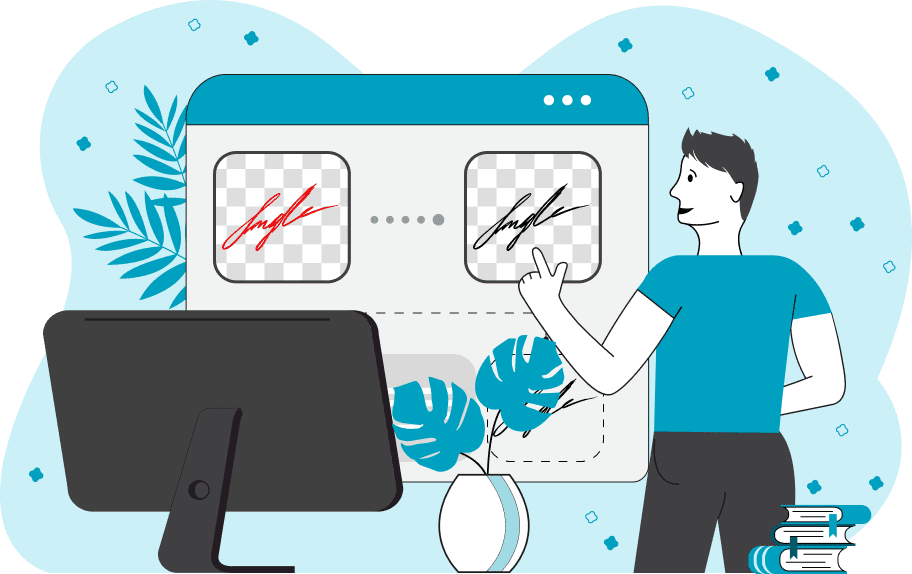
This browser-based utility converts signatures of any color into a clean, professional black-ink version. It works with every type of signature you might have: a digital PNG, a scanned handwritten signature, or even a quick photo of a pen or marker scribble on paper. The tool identifies the existing ink color and replaces it with a consistent black tone, ensuring clarity and uniformity across all documents. You can detect the ink color by clicking directly on the signature preview, or you may enter the color manually using its name or hex/RGB code in the settings panel. Scanned signatures rarely contain a single flat color – they often include lighter highlights, darker shadows, or paper texture. The color-similarity threshold controls how wide a range of neighboring shades should be included when converting to black. If your signature's ink is fairly uniform, keep the threshold low (around 5-10%). If the ink is uneven or faded, increase the threshold (for example, to 30-50%) so the transformation covers all tones. Edge-smoothing options let you soften harsh or uneven borders, giving the black lines a more natural-looking appearance. To confirm that the chosen threshold is correct, you can enable the mask preview. Recolored pixels appear in black, while untouched areas are shown in white, making it easy to check the accuracy of the conversion. Png-abulous!
This browser-based utility converts signatures of any color into a clean, professional black-ink version. It works with every type of signature you might have: a digital PNG, a scanned handwritten signature, or even a quick photo of a pen or marker scribble on paper. The tool identifies the existing ink color and replaces it with a consistent black tone, ensuring clarity and uniformity across all documents. You can detect the ink color by clicking directly on the signature preview, or you may enter the color manually using its name or hex/RGB code in the settings panel. Scanned signatures rarely contain a single flat color – they often include lighter highlights, darker shadows, or paper texture. The color-similarity threshold controls how wide a range of neighboring shades should be included when converting to black. If your signature's ink is fairly uniform, keep the threshold low (around 5-10%). If the ink is uneven or faded, increase the threshold (for example, to 30-50%) so the transformation covers all tones. Edge-smoothing options let you soften harsh or uneven borders, giving the black lines a more natural-looking appearance. To confirm that the chosen threshold is correct, you can enable the mask preview. Recolored pixels appear in black, while untouched areas are shown in white, making it easy to check the accuracy of the conversion. Png-abulous!
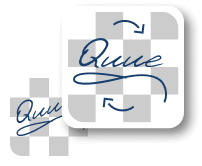
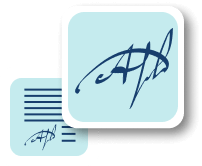
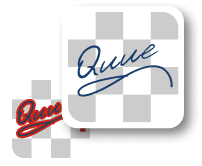
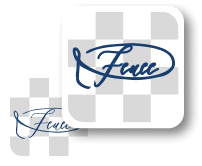
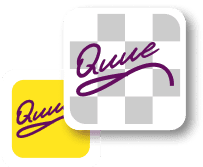
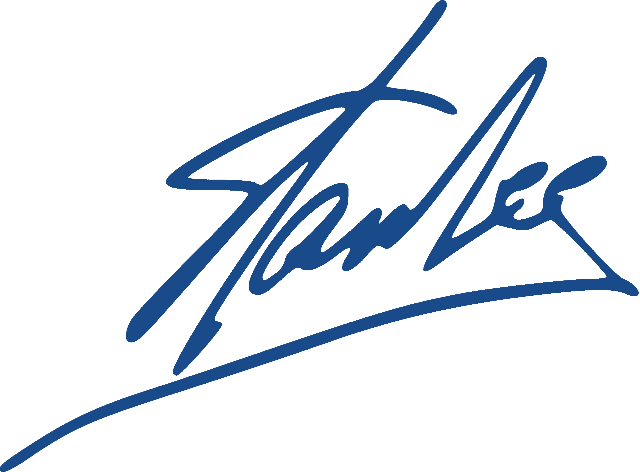
In this example, we convert Stan Lee's blue signature into a universal black digital signature. Since the exact shade of blue ink is unknown, we click directly on the signature to automatically detect its color and load it into the options. We then replace all detected ink pixels with solid black using a 30% color range, ensuring the entire signature is converted evenly. (Source: Wikipedia.)

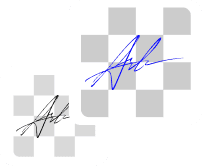
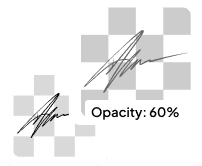
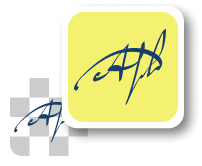
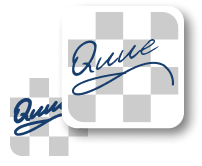
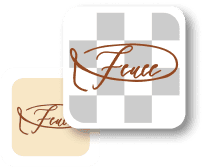
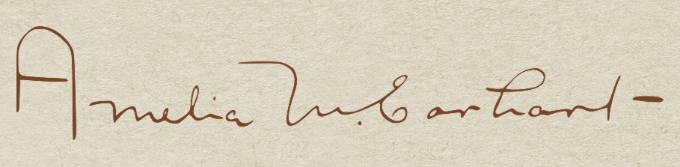
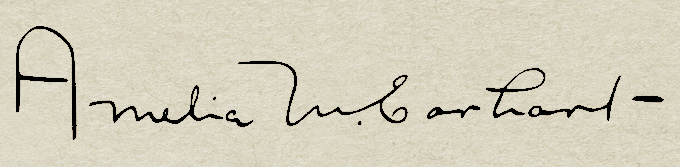
This example changes the ink color of Amelia Earhart's signature, scanned from old parchment. To replace only the ink color and leave the aged paper background untouched, we first identify the dark brown/sepia ink color rgba(121, 68, 36, 255) by clicking the stroke. We then carefully set the "Color Similarity Threshold" to 35%. This range is crucial as it includes the various brown/darkened ink pixels but successfully excludes the lighter gray pixels from the parchment's texture. (Source: Wikipedia.)
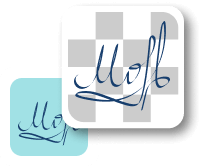
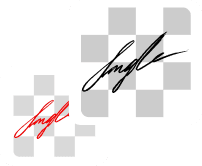
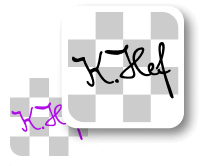
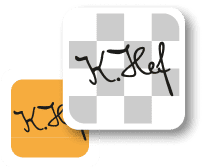
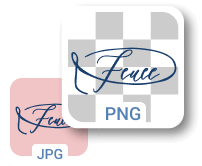
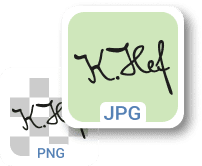
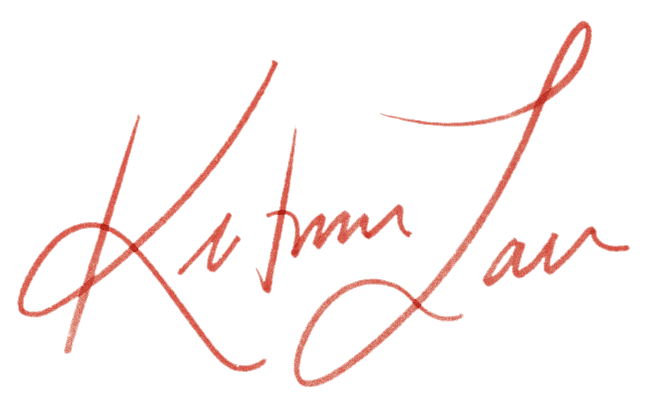
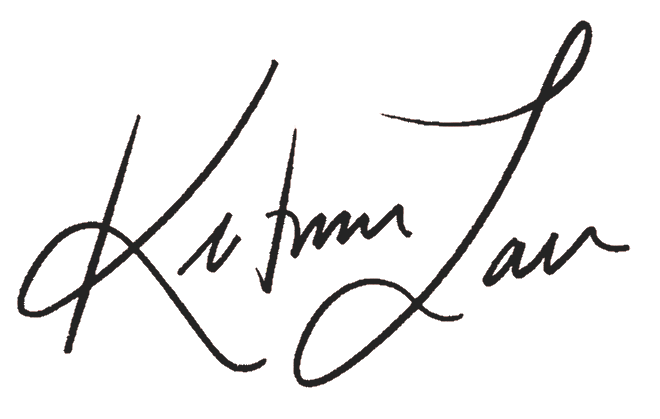
In this example, we transform a handwritten signature originally made with a red marker into black ink. Because the marker ink is semi-transparent and varies in intensity where strokes overlap, we increase the color variation threshold to 60% to capture all red tones. Instead of using pure black, we convert the signature to a slightly lighter black (rgb(36, 36, 36)) and also enable edge smoothing with a radius of 1 to soften the boundaries of the strokes. (Source: Freepik.)
Edit a PNG in your browser.
Compare two or more PNG images.
Convert a PNG image to an AV1 image (AVIF).
Convert an AV1 image (AVIF) to a PNG image.
Convert a PNG image to a High Efficiency Image File (HEIF).
Convert a Hide Efficiency Image File (HEIF) to a PNG image.
Convert a PNG image to an ICO icon.
Convert a PNG image to a TIFF image.
Convert a TIFF image to a PNG image.
Convert a PNG image to a PIK image.
Convert a PIK image to a PNG image.
Convert a PNG image to a PPM image.
Convert a PPM image to a PNG image.
Convert a PNG image to a BPG image.
Convert a BPG image to a PNG image.
Convert a PNG image to a FLIF image.
Convert a FLIF image to a PNG image.
Convert a PNG image to a Paint.net file.
Convert a Paint.net file to a PNG image.
Convert a PNG image to a Photoshop file.
Convert a Photoshop file to a PNG image.
Convert a PNG image to an SVG image.
Convert a PNG image to an PDF document.
Convert a PDF document to a PNG image (or multiple images).
Convert a PNG image to an EPS file.
Convert an EPS file to a PNG image (or multiple images).
Convert a PNG image to a JFIF image.
Convert a JFIF image to a PNG image.
Convert a PNG image to raw RGB values.
Convert RGB values to a PNG image.
Convert a PNG image to raw BGR values.
Convert BGR values to a PNG image.
Convert a PNG image to raw RGBA values.
Convert RGBA values to a PNG image.
Convert a PNG image to raw BGRA values.
Convert BGRA values to a PNG image.
Convert multiple PNGs to a GIF animation.
Convert an APNG animation to a GIF image.
Convert a GIF animation to an APNG image.
Convert an APNG image to a Webp image.
Convert a Webp image to an APNG image.
Convert an APNG image to an MP4 video.
Convert an MP4 video to an APNG image.
Convert an APNG image to an AVI video.
Convert an AVI video to an APNG image.
Convert an APNG image to a WMV video.
Convert an WMV video to an APNG image.
Extract all frames from an APNG image.
Play a PNG animation (APNG) frame by frame.
Change the playback speed of an animated PNG (APNG).
Change how many times an animated PNG loops.
Reverse the order of frames in an animated PNG (APNG).
Created animated PNGs (APNGs) from input images.
Check if the given PNG file is an animated PNG file (APNG).
Create a sprite sheet from all animated PNG (APNG) frames.
Create an animated PNG (APNG) from a sprite sheet.
Create Excel art from a PNG image.
Break a PNG image into multiple pieces.
Generate a slideshow animation from multiple PNGs.
Generate a mosaic wall from multiple PNGs.
Convert a PNG into a hexagonal grid of pixels.
Convert a PNG into a triangular grid of pixels.
Create a Voronoi diagram from a PNG image.
Darken PNG corners compared to its center.
Create multiple reflections of a PNG.
Apply a Bayer filter on a PNG.
Make a PNG look like it was taken via night vision goggles.
Make a PNG look like it's spherical.
Run a PNG through the Mobius Transform.
Convert between RGB, CMYK, HSV, and HSL color spaces.
Remove dithering from a PNG image.
Convert a PNG to an ASCII art image.
Convert a PNG to an ANSI art image.
Convert ANSI art to a PNG image.
Convert a PNG to a Braille art image.
Convert Braille art to a PNG image.
Increase the quality of a PNG image.
Extract a 2d slice from a PNG.
Create a PNG that contains all possible RGB colors.
Find all textual information in a PNG image and extract it.
Given any 2D PNG, add 3rd dimension to it.
Quickly erase text (labels, captions) from a PNG.
Quickly delete a watermark from a PNG.
Salvage a PNG that has bad bytes in it and doesn't open.
Conceal a secret message in a PNG image.
Update meta data of a PNG file.
Delete meta data from a PNG picture.
Check if the given file is a valid PNG without errors.
Subscribe to our updates. We'll let you know when we release new tools and features, and when we organize online workshops.
Enter your email here
We're Browserling — a friendly and fun cross-browser testing company powered by alien technology. At Browserling we love to make people's lives easier, so we created this collection of online PNG tools. We created the simplest possible user interface for our tools and they are now used by millions of users every month. Behind the scenes, our online PNG tools are actually powered by our web developer tools that we created over the last couple of years. Check them out!