World's simplest browser-based Portable Network Graphics (PNG) popular color mask generator. Just import your PNG image into the editor on the left, and you will instantly get a mask that shows the most common pixel colors on the right. In the options, you can choose how popularity is measured (find the most common pixel, top N colors, filter by count or percentage), decide how the mask is displayed, customize mask colors, preserve transparency, and view detailed pixel statistics. Free, quick, and very powerful. Created with love by team Browserling.
World's simplest browser-based Portable Network Graphics (PNG) popular color mask generator. Just import your PNG image into the editor on the left, and you will instantly get a mask that shows the most common pixel colors on the right. In the options, you can choose how popularity is measured (find the most common pixel, top N colors, filter by count or percentage), decide how the mask is displayed, customize mask colors, preserve transparency, and view detailed pixel statistics. Free, quick, and very powerful. Created with love by team Browserling.

This browser-based utility generates a mask that highlights the most frequent pixel colors in a PNG image. Popular pixels are colors that appear more often than others. Their number can vary depending on the image size, optimization level, and color composition. In the options, you can choose how popular pixels are detected. You can find the single most common pixel color in the image – the color with the highest total occurrence among all pixels. Usually, there is only one such color (in PNGs with transparency, this is usually the transparent color), but in some cases, multiple colors may share the highest count. Alternatively, you can switch to a mode that detects the top N most frequent colors in the image. You can also define popular colors based on their usage count. For example, you can specify that only colors appearing more than 100 times should be selected. Another option is percentage‑based detection, where colors are included if they comprise at least a specified percentage of the image's pixels. Once popular pixels are identified, you can choose a mask mode for them. You can create a two-color mask that produces a binary result, where one color represents popular pixels, and the other represents non-popular pixels. Alternatively, you can generate a mask that replaces only popular pixels or only non-popular pixels with a selected color, while all other PNG pixels remain unchanged. If your PNG contains transparency and you want to preserve it in the mask, you can enable the alpha preservation option. This ensures that each pixel in the output mask keeps its original alpha value. The tool also provides precise pixel statistics, including the total number of pixels, the number of detected popular pixels, and the number of detected non-popular pixels. Png-abulous!
This browser-based utility generates a mask that highlights the most frequent pixel colors in a PNG image. Popular pixels are colors that appear more often than others. Their number can vary depending on the image size, optimization level, and color composition. In the options, you can choose how popular pixels are detected. You can find the single most common pixel color in the image – the color with the highest total occurrence among all pixels. Usually, there is only one such color (in PNGs with transparency, this is usually the transparent color), but in some cases, multiple colors may share the highest count. Alternatively, you can switch to a mode that detects the top N most frequent colors in the image. You can also define popular colors based on their usage count. For example, you can specify that only colors appearing more than 100 times should be selected. Another option is percentage‑based detection, where colors are included if they comprise at least a specified percentage of the image's pixels. Once popular pixels are identified, you can choose a mask mode for them. You can create a two-color mask that produces a binary result, where one color represents popular pixels, and the other represents non-popular pixels. Alternatively, you can generate a mask that replaces only popular pixels or only non-popular pixels with a selected color, while all other PNG pixels remain unchanged. If your PNG contains transparency and you want to preserve it in the mask, you can enable the alpha preservation option. This ensures that each pixel in the output mask keeps its original alpha value. The tool also provides precise pixel statistics, including the total number of pixels, the number of detected popular pixels, and the number of detected non-popular pixels. Png-abulous!
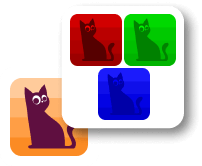
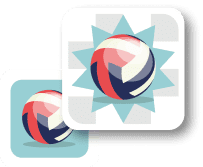
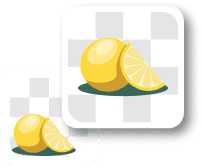
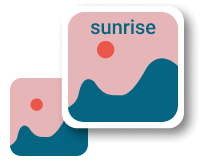
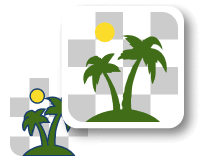
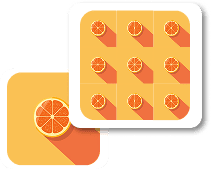
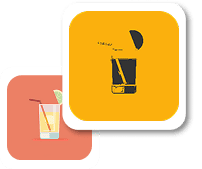
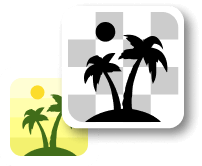
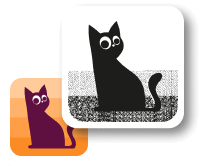
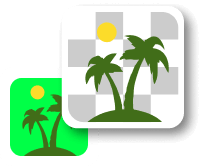
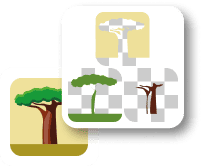
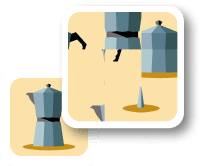
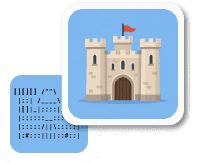
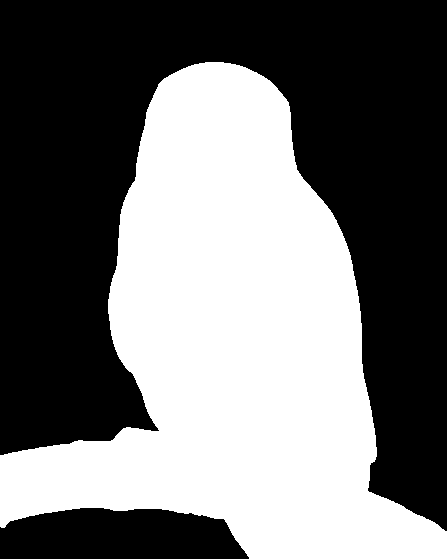
In this example, we detect the single most frequent color in the PNG image. The algorithm selects the color with the highest occurrence among all pixels. In this case, the most frequent color is full transparency (rgba(0, 0, 0, 0)), because the entire transparent background consists of identical zero-alpha pixels. We generate a two-color mask where popular pixels are displayed in black and all remaining pixels in white. (Source: Pexels.)
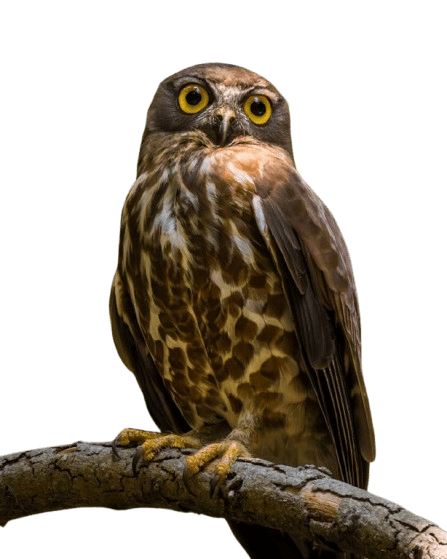
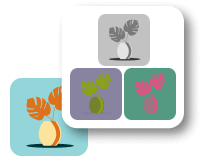
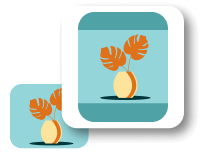
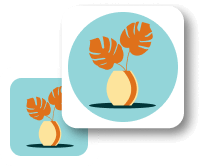
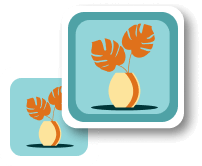
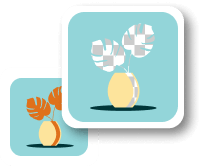
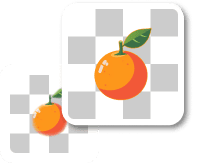
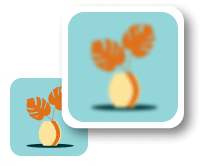
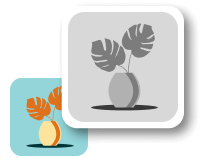
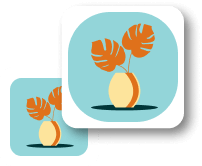
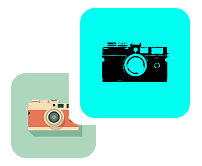
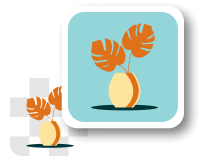
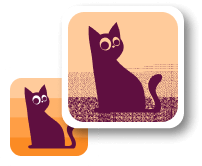
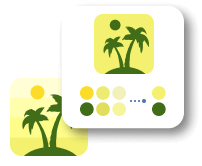
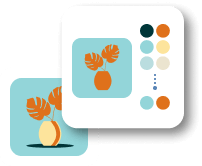
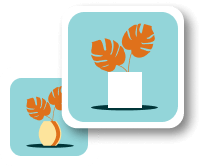
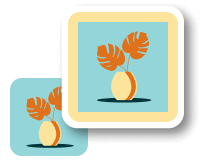
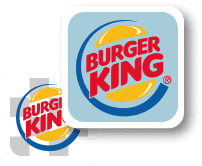
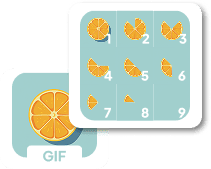
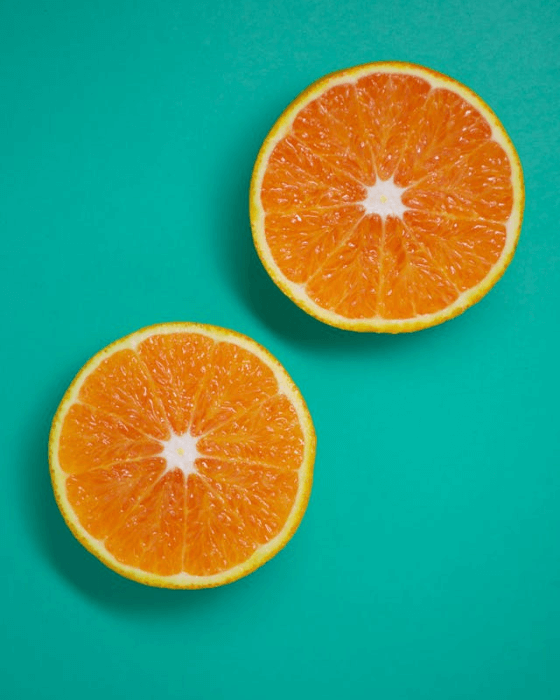
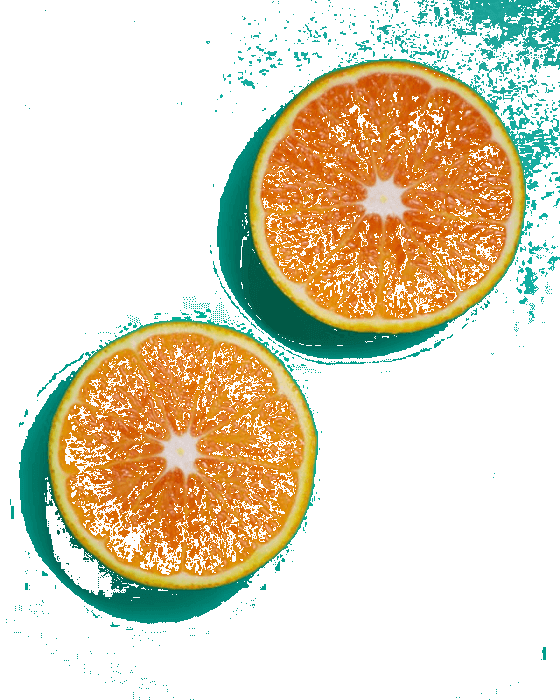
This example analyzes the color distribution of the PNG and highlights the 40 most frequent colors. The selected mask mode replaces only popular pixels with white, while all other pixels remain unchanged from the original image. This reveals how solid tones (like the teal background) and repeated patterns (such as the orange pulp) reuse pixels efficiently, while gradient areas (such as shadow transitions) use more unique colors. (Source: Pexels.)
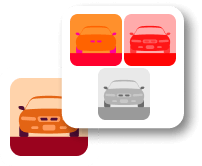
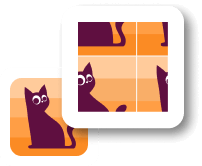
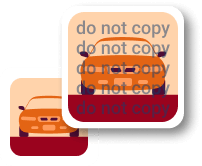
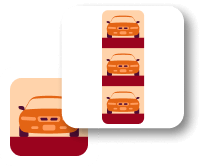
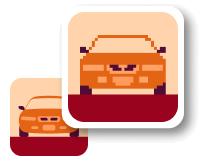
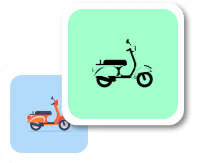
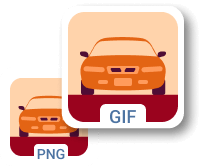
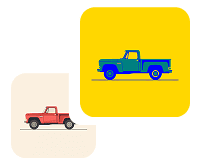
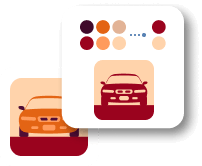
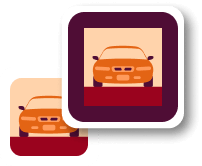
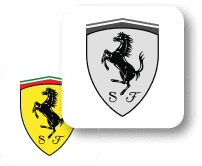
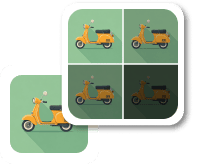
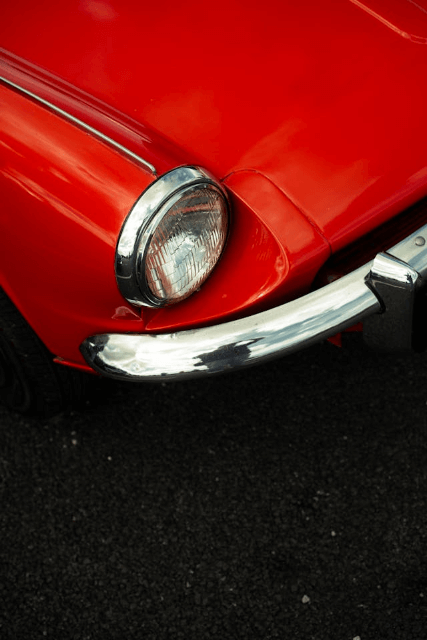
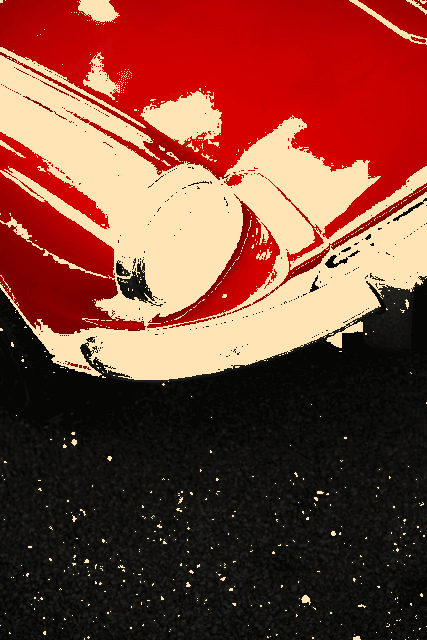
In this example, we apply a count‑based rule, selecting colors that occur at least 1,000 times. The mask highlights non‑popular pixels in moccasin, while frequent colors remain unchanged. The result shows that large uniform regions (such as the car hood and the asphalt) contain many repeated colors, which typically indicates good image compression and color optimization. (Source: Pexels.)
Edit a PNG in your browser.
Compare two or more PNG images.
Convert a PNG image to an AV1 image (AVIF).
Convert an AV1 image (AVIF) to a PNG image.
Convert a PNG image to a High Efficiency Image File (HEIF).
Convert a Hide Efficiency Image File (HEIF) to a PNG image.
Convert a PNG image to an ICO icon.
Convert a PNG image to a TIFF image.
Convert a TIFF image to a PNG image.
Convert a PNG image to a PIK image.
Convert a PIK image to a PNG image.
Convert a PNG image to a PPM image.
Convert a PPM image to a PNG image.
Convert a PNG image to a BPG image.
Convert a BPG image to a PNG image.
Convert a PNG image to a FLIF image.
Convert a FLIF image to a PNG image.
Convert a PNG image to a Paint.net file.
Convert a Paint.net file to a PNG image.
Convert a PNG image to a Photoshop file.
Convert a Photoshop file to a PNG image.
Convert a PNG image to an SVG image.
Convert a PNG image to an PDF document.
Convert a PDF document to a PNG image (or multiple images).
Convert a PNG image to an EPS file.
Convert an EPS file to a PNG image (or multiple images).
Convert a PNG image to a JFIF image.
Convert a JFIF image to a PNG image.
Convert a PNG image to raw RGB values.
Convert RGB values to a PNG image.
Convert a PNG image to raw BGR values.
Convert BGR values to a PNG image.
Convert a PNG image to raw RGBA values.
Convert RGBA values to a PNG image.
Convert a PNG image to raw BGRA values.
Convert BGRA values to a PNG image.
Convert multiple PNGs to a GIF animation.
Convert an APNG animation to a GIF image.
Convert a GIF animation to an APNG image.
Convert an APNG image to a Webp image.
Convert a Webp image to an APNG image.
Convert an APNG image to an MP4 video.
Convert an MP4 video to an APNG image.
Convert an APNG image to an AVI video.
Convert an AVI video to an APNG image.
Convert an APNG image to a WMV video.
Convert an WMV video to an APNG image.
Extract all frames from an APNG image.
Play a PNG animation (APNG) frame by frame.
Change the playback speed of an animated PNG (APNG).
Change how many times an animated PNG loops.
Reverse the order of frames in an animated PNG (APNG).
Created animated PNGs (APNGs) from input images.
Check if the given PNG file is an animated PNG file (APNG).
Create a sprite sheet from all animated PNG (APNG) frames.
Create an animated PNG (APNG) from a sprite sheet.
Create Excel art from a PNG image.
Break a PNG image into multiple pieces.
Generate a slideshow animation from multiple PNGs.
Generate a mosaic wall from multiple PNGs.
Convert a PNG into a hexagonal grid of pixels.
Convert a PNG into a triangular grid of pixels.
Create a Voronoi diagram from a PNG image.
Darken PNG corners compared to its center.
Create multiple reflections of a PNG.
Apply a Bayer filter on a PNG.
Make a PNG look like it was taken via night vision goggles.
Make a PNG look like it's spherical.
Run a PNG through the Mobius Transform.
Convert between RGB, CMYK, HSV, and HSL color spaces.
Remove dithering from a PNG image.
Convert a PNG to an ASCII art image.
Convert a PNG to an ANSI art image.
Convert ANSI art to a PNG image.
Convert a PNG to a Braille art image.
Convert Braille art to a PNG image.
Increase the quality of a PNG image.
Extract a 2d slice from a PNG.
Create a PNG that contains all possible RGB colors.
Find all textual information in a PNG image and extract it.
Given any 2D PNG, add 3rd dimension to it.
Quickly erase text (labels, captions) from a PNG.
Quickly delete a watermark from a PNG.
Salvage a PNG that has bad bytes in it and doesn't open.
Conceal a secret message in a PNG image.
Update meta data of a PNG file.
Delete meta data from a PNG picture.
Check if the given file is a valid PNG without errors.
Subscribe to our updates. We'll let you know when we release new tools and features, and when we organize online workshops.
Enter your email here
We're Browserling — a friendly and fun cross-browser testing company powered by alien technology. At Browserling we love to make people's lives easier, so we created this collection of online PNG tools. We created the simplest possible user interface for our tools and they are now used by millions of users every month. Behind the scenes, our online PNG tools are actually powered by our web developer tools that we created over the last couple of years. Check them out!