World's simplest online QR code generator. Just paste text, a URL, or formatted data into the input area, customize the pattern, colors, corners, size, padding, and damage resistance, and you'll instantly get a scannable QR code. You can create codes for links, plain text, Wi-Fi details, vCard contacts, SMS messages, and other supported data formats. Created with love by team Browserling.
World's simplest online QR code generator. Just paste text, a URL, or formatted data into the input area, customize the pattern, colors, corners, size, padding, and damage resistance, and you'll instantly get a scannable QR code. You can create codes for links, plain text, Wi-Fi details, vCard contacts, SMS messages, and other supported data formats. Created with love by team Browserling.
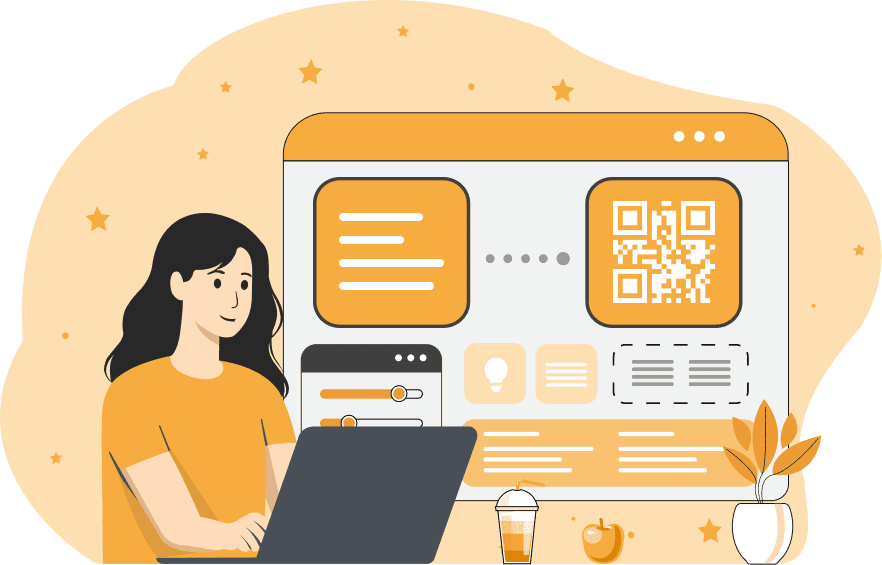
This tool generates scannable QR codes in PNG format from text, web links, and other formatted data. A QR code connects printed or on-screen graphics with data that a phone can read in a moment. For example, you can enter a link to point scanners to a web page, paste a sentence to share a plain-text note, or input a formatted Wi-Fi record, vCard contact, or SMS instruction. After entering the content, you can customize the QR code's appearance. The pattern option changes the shape of the data modules, with square, dotted, rounded, extra-rounded, classy, and classy-rounded styles. You can fill the pattern with a single color or create a two-color linear gradient and adjust its angle. The background color can also be changed to match the design where the QR code will be used. The three large corner markers can have their own frame and center styles. You can choose square, rounded, circular, or extra-rounded shapes and set separate colors for the frames and centers. You can set the square image size and adjust the empty padding around the QR code. You can also choose the damage-resistance level, which controls error correction and helps the code stay readable when parts of it are damaged, covered, or difficult to scan. Once the QR code is ready, you can save the generated PNG and use it on websites, signs, labels, cards, documents, and other digital or printed materials. To read the data stored in an existing QR code image, use the QR Code Scanner. Png-abulous!
This tool generates scannable QR codes in PNG format from text, web links, and other formatted data. A QR code connects printed or on-screen graphics with data that a phone can read in a moment. For example, you can enter a link to point scanners to a web page, paste a sentence to share a plain-text note, or input a formatted Wi-Fi record, vCard contact, or SMS instruction. After entering the content, you can customize the QR code's appearance. The pattern option changes the shape of the data modules, with square, dotted, rounded, extra-rounded, classy, and classy-rounded styles. You can fill the pattern with a single color or create a two-color linear gradient and adjust its angle. The background color can also be changed to match the design where the QR code will be used. The three large corner markers can have their own frame and center styles. You can choose square, rounded, circular, or extra-rounded shapes and set separate colors for the frames and centers. You can set the square image size and adjust the empty padding around the QR code. You can also choose the damage-resistance level, which controls error correction and helps the code stay readable when parts of it are damaged, covered, or difficult to scan. Once the QR code is ready, you can save the generated PNG and use it on websites, signs, labels, cards, documents, and other digital or printed materials. To read the data stored in an existing QR code image, use the QR Code Scanner. Png-abulous!
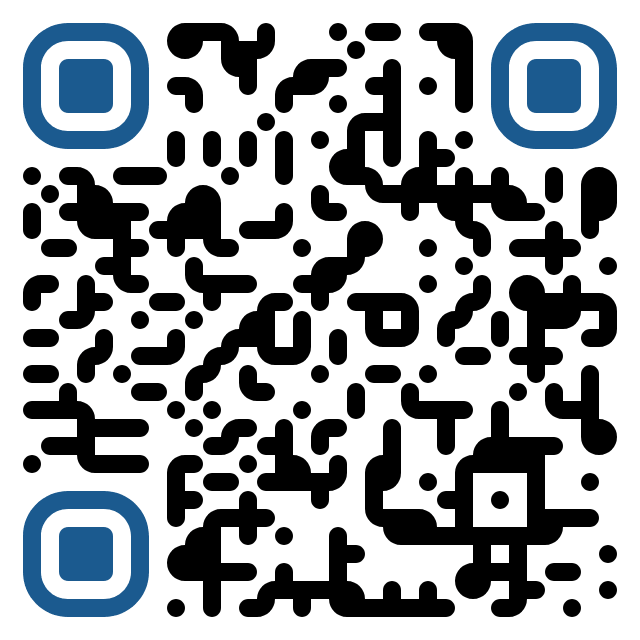
In this example, we encode the Browserling website URL in a QR code so that scanning it opens the site without manually typing the URL. We keep the familiar black modules on a white background and use square shapes for both the pattern and corner markers. The 640-by-640-pixel PNG includes 16 pixels of padding and standard damage resistance, producing a clean code that works well on screens and in documents.
This example creates a Wi-Fi QR code for the visible network named "Studio Guest" and includes its WPA password. A visitor can scan the PNG to transfer these connection details to a phone instead of entering them manually. We use blue rounded modules, extra-rounded corner frames, and circular centers. High damage resistance keeps the code readable if it's partially damaged or covered.
In this example, we turn John Smith's vCard record into a scannable contact card. It includes his name, ABC Company, mobile number, and email address, so a phone can save it as one contact. We draw the code with dotted modules and circular corner markers, then apply a 45-degree orange-red to violet gradient. Maximum damage resistance adds extra protection to this detailed record.
This example stores an ordinary two-line text note that identifies a meeting point, time, and reservation name. Unlike the website and SMS examples, the scanner simply displays the written message, making it useful when the information needs to be shared exactly as entered. We give the PNG a classy pattern with a pink-to-purple gradient and use separate violet and coral colors for its rounded corner markers.
In this example, we encode an SMS to +1 202-555-0136 with the text "Your order is ready for pickup." already filled in. Scanning the QR code opens the messaging app with the recipient and message ready to review and send. We use extra-rounded black modules, dark-blue corner markers, and a transparent PNG background.
Edit a PNG in your browser.
Compare two or more PNG images.
Convert a PNG image to an AV1 image (AVIF).
Convert an AV1 image (AVIF) to a PNG image.
Convert a PNG image to a High Efficiency Image File (HEIF).
Convert a Hide Efficiency Image File (HEIF) to a PNG image.
Convert a PNG image to an ICO icon.
Convert a PNG image to a TIFF image.
Convert a TIFF image to a PNG image.
Convert a PNG image to a PIK image.
Convert a PIK image to a PNG image.
Convert a PNG image to a PPM image.
Convert a PPM image to a PNG image.
Convert a PNG image to a BPG image.
Convert a BPG image to a PNG image.
Convert a PNG image to a FLIF image.
Convert a FLIF image to a PNG image.
Convert a PNG image to a Paint.net file.
Convert a Paint.net file to a PNG image.
Convert a PNG image to a Photoshop file.
Convert a Photoshop file to a PNG image.
Convert a PNG image to an SVG image.
Convert a PNG image to an PDF document.
Convert a PDF document to a PNG image (or multiple images).
Convert a PNG image to an EPS file.
Convert an EPS file to a PNG image (or multiple images).
Convert a PNG image to a JFIF image.
Convert a JFIF image to a PNG image.
Convert a PNG image to raw RGB values.
Convert RGB values to a PNG image.
Convert a PNG image to raw BGR values.
Convert BGR values to a PNG image.
Convert a PNG image to raw RGBA values.
Convert RGBA values to a PNG image.
Convert a PNG image to raw BGRA values.
Convert BGRA values to a PNG image.
Convert multiple PNGs to a GIF animation.
Convert an APNG animation to a GIF image.
Convert a GIF animation to an APNG image.
Convert an APNG image to a Webp image.
Convert a Webp image to an APNG image.
Convert an APNG image to an MP4 video.
Convert an MP4 video to an APNG image.
Convert an APNG image to an AVI video.
Convert an AVI video to an APNG image.
Convert an APNG image to a WMV video.
Convert an WMV video to an APNG image.
Extract all frames from an APNG image.
Play a PNG animation (APNG) frame by frame.
Change the playback speed of an animated PNG (APNG).
Change how many times an animated PNG loops.
Reverse the order of frames in an animated PNG (APNG).
Created animated PNGs (APNGs) from input images.
Check if the given PNG file is an animated PNG file (APNG).
Create a sprite sheet from all animated PNG (APNG) frames.
Create an animated PNG (APNG) from a sprite sheet.
Create Excel art from a PNG image.
Break a PNG image into multiple pieces.
Generate a slideshow animation from multiple PNGs.
Generate a mosaic wall from multiple PNGs.
Convert a PNG into a hexagonal grid of pixels.
Convert a PNG into a triangular grid of pixels.
Create a Voronoi diagram from a PNG image.
Darken PNG corners compared to its center.
Create multiple reflections of a PNG.
Apply a Bayer filter on a PNG.
Make a PNG look like it was taken via night vision goggles.
Make a PNG look like it's spherical.
Run a PNG through the Mobius Transform.
Convert between RGB, CMYK, HSV, and HSL color spaces.
Remove dithering from a PNG image.
Convert a PNG to an ASCII art image.
Convert a PNG to an ANSI art image.
Convert ANSI art to a PNG image.
Convert a PNG to a Braille art image.
Convert Braille art to a PNG image.
Increase the quality of a PNG image.
Extract a 2d slice from a PNG.
Create a PNG that contains all possible RGB colors.
Find all textual information in a PNG image and extract it.
Given any 2D PNG, add 3rd dimension to it.
Quickly erase text (labels, captions) from a PNG.
Quickly delete a watermark from a PNG.
Salvage a PNG that has bad bytes in it and doesn't open.
Conceal a secret message in a PNG image.
Update meta data of a PNG file.
Delete meta data from a PNG picture.
Check if the given file is a valid PNG without errors.
Subscribe to our updates. We'll let you know when we release new tools and features, and when we organize online workshops.
Enter your email here
We're Browserling — a friendly and fun cross-browser testing company powered by alien technology. At Browserling we love to make people's lives easier, so we created this collection of online PNG tools. We created the simplest possible user interface for our tools and they are now used by millions of users every month. Behind the scenes, our online PNG tools are actually powered by our web developer tools that we created over the last couple of years. Check them out!