World's simplest browser-based QR code scanner and reader. Just import a PNG containing a QR code into the editor on the left, and you'll instantly get its decoded data on the right. You can read links, text, Wi-Fi details, contacts, messages, and other QR data in a clean format, or view the exact data stored in the code. Created with love by team Browserling.
World's simplest browser-based QR code scanner and reader. Just import a PNG containing a QR code into the editor on the left, and you'll instantly get its decoded data on the right. You can read links, text, Wi-Fi details, contacts, messages, and other QR data in a clean format, or view the exact data stored in the code. Created with love by team Browserling.

This tool scans a QR code from a PNG and extracts the information stored inside it. Import an image containing a QR code, and the tool automatically locates the code, decodes it, and displays the result as text. It recognizes common QR data types such as website URLs, plain-text notes, Wi-Fi network details, vCard contacts, SMS messages, email addresses, phone numbers, geographic locations, and calendar events. When the QR code contains structured data, the result is organized into readable fields. For example, Wi-Fi data can be displayed as the network name, security type, password, and hidden-network setting, while a vCard can be shown as a name, company, phone number, and email address. You can see the detected QR data type in the informational block in the options. You can also enable the "Show Raw Data" option to view the exact original content encoded in the QR code instead of the formatted version. To create a QR code from text, a URL, or formatted data instead, use the QR Code Generator. Png-abulous!
This tool scans a QR code from a PNG and extracts the information stored inside it. Import an image containing a QR code, and the tool automatically locates the code, decodes it, and displays the result as text. It recognizes common QR data types such as website URLs, plain-text notes, Wi-Fi network details, vCard contacts, SMS messages, email addresses, phone numbers, geographic locations, and calendar events. When the QR code contains structured data, the result is organized into readable fields. For example, Wi-Fi data can be displayed as the network name, security type, password, and hidden-network setting, while a vCard can be shown as a name, company, phone number, and email address. You can see the detected QR data type in the informational block in the options. You can also enable the "Show Raw Data" option to view the exact original content encoded in the QR code instead of the formatted version. To create a QR code from text, a URL, or formatted data instead, use the QR Code Generator. Png-abulous!
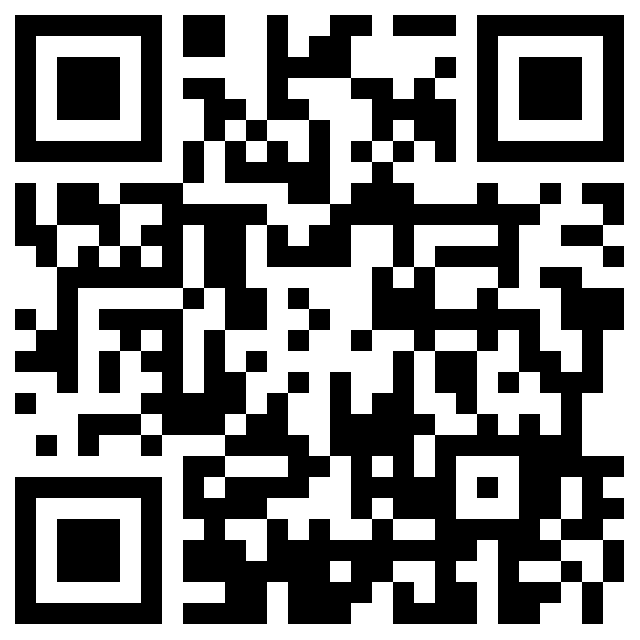
In this example, we scan a classic black-and-white QR code built from square modules. It contains the address of Browserling's Instagram profile, which the scanner recognizes as a website URL and extracts the profile URL from the code.
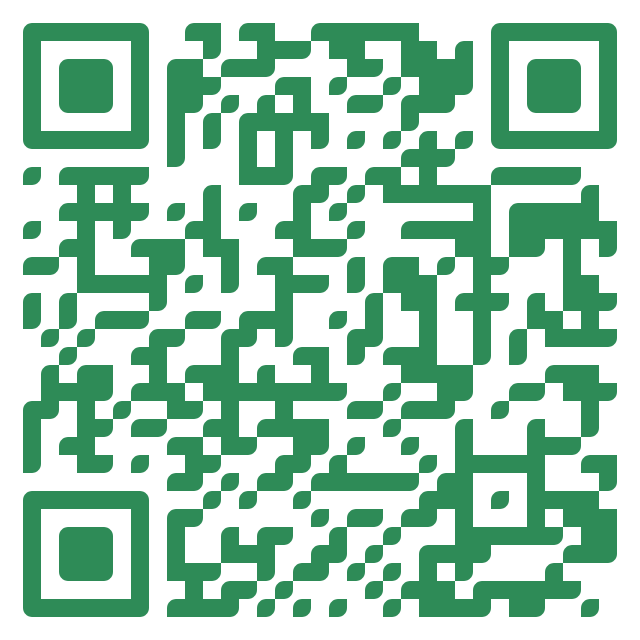
This example scans a solid green Wi-Fi QR code for the "Aurora Reading Room" network. Instead of displaying the compact Wi-Fi data string, the scanner separates it into readable fields and recovers the network name, WPA security type, password, and hidden-network status.
In this example, we read the Eiffel Tower location from a colorful QR code with rounded modules. The program identifies the geographic data and presents the latitude, longitude, and location name as separate, readable fields.
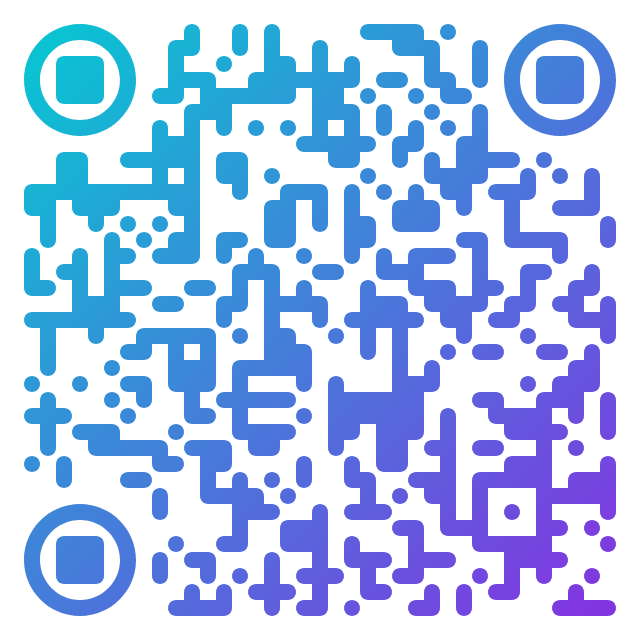
This example scans a dotted QR code with a colorful gradient and circular finder patterns. It contains a short two-line locker message, which the scanner recovers as plain text.
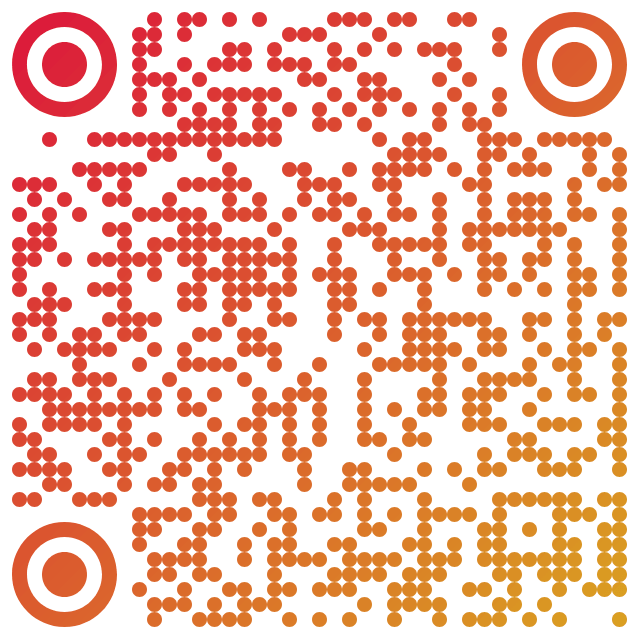
In this example, we scan a two-tone QR code that contains a workshop-registration email. We enable the "Show Raw Data" option, so the scanner returns the original encoded data exactly as stored in the QR code, including the recipient, subject, message, separators, and punctuation.
Edit a PNG in your browser.
Compare two or more PNG images.
Convert a PNG image to an AV1 image (AVIF).
Convert an AV1 image (AVIF) to a PNG image.
Convert a PNG image to a High Efficiency Image File (HEIF).
Convert a Hide Efficiency Image File (HEIF) to a PNG image.
Convert a PNG image to an ICO icon.
Convert a PNG image to a TIFF image.
Convert a TIFF image to a PNG image.
Convert a PNG image to a PIK image.
Convert a PIK image to a PNG image.
Convert a PNG image to a PPM image.
Convert a PPM image to a PNG image.
Convert a PNG image to a BPG image.
Convert a BPG image to a PNG image.
Convert a PNG image to a FLIF image.
Convert a FLIF image to a PNG image.
Convert a PNG image to a Paint.net file.
Convert a Paint.net file to a PNG image.
Convert a PNG image to a Photoshop file.
Convert a Photoshop file to a PNG image.
Convert a PNG image to an SVG image.
Convert a PNG image to an PDF document.
Convert a PDF document to a PNG image (or multiple images).
Convert a PNG image to an EPS file.
Convert an EPS file to a PNG image (or multiple images).
Convert a PNG image to a JFIF image.
Convert a JFIF image to a PNG image.
Convert a PNG image to raw RGB values.
Convert RGB values to a PNG image.
Convert a PNG image to raw BGR values.
Convert BGR values to a PNG image.
Convert a PNG image to raw RGBA values.
Convert RGBA values to a PNG image.
Convert a PNG image to raw BGRA values.
Convert BGRA values to a PNG image.
Convert multiple PNGs to a GIF animation.
Convert an APNG animation to a GIF image.
Convert a GIF animation to an APNG image.
Convert an APNG image to a Webp image.
Convert a Webp image to an APNG image.
Convert an APNG image to an MP4 video.
Convert an MP4 video to an APNG image.
Convert an APNG image to an AVI video.
Convert an AVI video to an APNG image.
Convert an APNG image to a WMV video.
Convert an WMV video to an APNG image.
Extract all frames from an APNG image.
Play a PNG animation (APNG) frame by frame.
Change the playback speed of an animated PNG (APNG).
Change how many times an animated PNG loops.
Reverse the order of frames in an animated PNG (APNG).
Created animated PNGs (APNGs) from input images.
Check if the given PNG file is an animated PNG file (APNG).
Create a sprite sheet from all animated PNG (APNG) frames.
Create an animated PNG (APNG) from a sprite sheet.
Create Excel art from a PNG image.
Break a PNG image into multiple pieces.
Generate a slideshow animation from multiple PNGs.
Generate a mosaic wall from multiple PNGs.
Convert a PNG into a hexagonal grid of pixels.
Convert a PNG into a triangular grid of pixels.
Create a Voronoi diagram from a PNG image.
Darken PNG corners compared to its center.
Create multiple reflections of a PNG.
Apply a Bayer filter on a PNG.
Make a PNG look like it was taken via night vision goggles.
Make a PNG look like it's spherical.
Run a PNG through the Mobius Transform.
Convert between RGB, CMYK, HSV, and HSL color spaces.
Remove dithering from a PNG image.
Convert a PNG to an ASCII art image.
Convert a PNG to an ANSI art image.
Convert ANSI art to a PNG image.
Convert a PNG to a Braille art image.
Convert Braille art to a PNG image.
Increase the quality of a PNG image.
Extract a 2d slice from a PNG.
Create a PNG that contains all possible RGB colors.
Find all textual information in a PNG image and extract it.
Given any 2D PNG, add 3rd dimension to it.
Quickly erase text (labels, captions) from a PNG.
Quickly delete a watermark from a PNG.
Salvage a PNG that has bad bytes in it and doesn't open.
Conceal a secret message in a PNG image.
Update meta data of a PNG file.
Delete meta data from a PNG picture.
Check if the given file is a valid PNG without errors.
Subscribe to our updates. We'll let you know when we release new tools and features, and when we organize online workshops.
Enter your email here
We're Browserling — a friendly and fun cross-browser testing company powered by alien technology. At Browserling we love to make people's lives easier, so we created this collection of online PNG tools. We created the simplest possible user interface for our tools and they are now used by millions of users every month. Behind the scenes, our online PNG tools are actually powered by our web developer tools that we created over the last couple of years. Check them out!